GitHub Code Review Comments That Actually Work
 Reza Khosravi
Table of Contents
The most popular advice about GitHub code review comments is to be clear, kind, and specific. That's good etiquette, but it doesn't solve the harder problem: deciding which comments should block a merge, what evidence will resolve them, and how to show later that a security decision was followed.
A busy pull request can still be a poor review. Comments may repeat the same concern, ask for subjective changes, or flag a policy issue that nobody formally closes. Strong reviews aren't measured by how much text reviewers leave. They're measured by whether the feedback changes code, clarifies a decision, or reduces a known risk.
Why More GitHub Review Comments Usually Mean Worse Reviews
A long review thread can feel thorough while making it harder to see what matters. In a large GitHub study, only about 12.2% of pull requests in the full dataset contained the specific commit-comment artifacts researchers examined. Those artifacts were short peer-review messages, not a complete record of every discussion, approval, or decision on a pull request. The distinction matters: comment counts are a partial view of collaboration, not proof that code was reviewed well (the empirical study of GitHub pull requests).
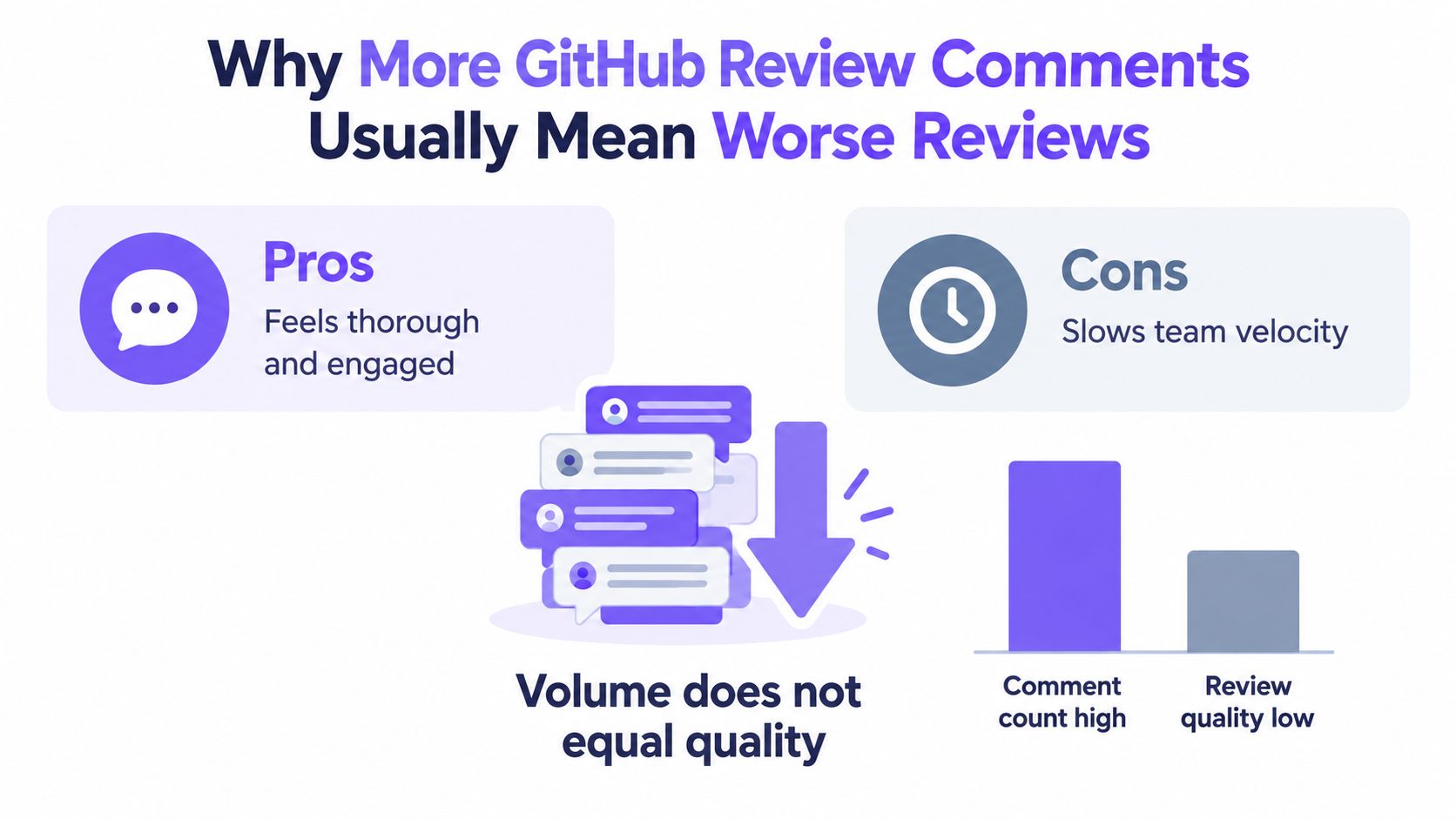
Three failure modes make comment volume a poor proxy for quality:
- Vague feedback tells the author something feels wrong but doesn't identify the condition, risk, or change needed. “This seems unsafe” can't reliably guide a fix or help someone verify it.
- Drive-by approvals offer reassurance without recording what was checked. An approval can be appropriate, but it isn't evidence that every security requirement was evaluated.
- Unresolved policy comments identify a possible control violation but never record whether the author fixed it, the team accepted the risk, or the finding was mistaken.
A useful comment does more than point at code. It names the issue, explains why it matters, and gives the author a path to resolve it. Research evaluating review comments for automated use found that fewer than 10% of benchmark comments were high quality, underscoring why fluent text shouldn't be mistaken for useful feedback (the study of code-review comment quality).
Practical test: Look at your last twenty reviews. For each comment, ask whether it changed code, clarified a design decision, or changed the team's risk posture. If you can't tell what happened next, the thread isn't finished.
The goal isn't to make reviews quiet. It's to make each interruption earn its cost. Treat a security-relevant comment as a decision with an owner and a resolution condition, not as an observation left behind in the diff.
Anatomy of an Inline vs Summary Comment
An inline comment belongs where the author can see the affected code. Use it when the concern depends on a specific expression, branch, or data flow. A summary comment belongs at the pull-request level, where it can describe a pattern across files, explain a design concern, or state the reviewer's overall position.
Before, inline: “This is wrong.”
After, inline: “This branch returns the account record before checking the caller's tenant. Apply the tenant authorization check before returning the record.”
The improved version identifies the behavior and the needed change. If the concern spans several lines, anchor it to the relevant range rather than pinning it to an arbitrary line. If the key issue is a function's responsibility or a data-flow boundary, name that symbol in the comment so the author can find it again after the diff changes.
A summary comment shouldn't become a dumping ground for line-level findings. Use it to explain the review's overall status, connect separate findings, or record a decision that doesn't belong to one line.
Before, summary: “Lots to fix. Check security and clean this up.”
After, summary: “I'm requesting changes because the new export path hasn't shown that it enforces the tenant boundary. Please address the inline authorization finding and confirm that the export uses the approved data scope.”
Choose the channel by the scope of the claim
| Put the comment here | Use it for | Avoid it when |
|---|---|---|
| Inline thread | A finding tied to a specific line, range, or code element | The concern applies across the design or pull request |
| Review summary | Overall status, cross-file concern, or decision context | The author needs a precise code location to act |
| Pull-request description | Stable context about intent, scope, or test plan | The note is a finding that must be discussed and resolved |
GitHub offers inline and summary-level comment forms, and a study of CI activity used review-comment counts as a proxy for participation rather than a measure of quality or security coverage. In that dataset, automated builds triggered new code reviews for 28% of pull requests. That finding supports treating review activity as a signal to investigate, not as proof that a change meets policy (the study of continuous integration and review participation).
Keep a summary short enough that the author can distinguish the decision from the details. Put actionable findings in threads, then use the summary to state whether the review is approved, blocked, or waiting on a specific decision.
Reusable Templates for the Four Comment Types
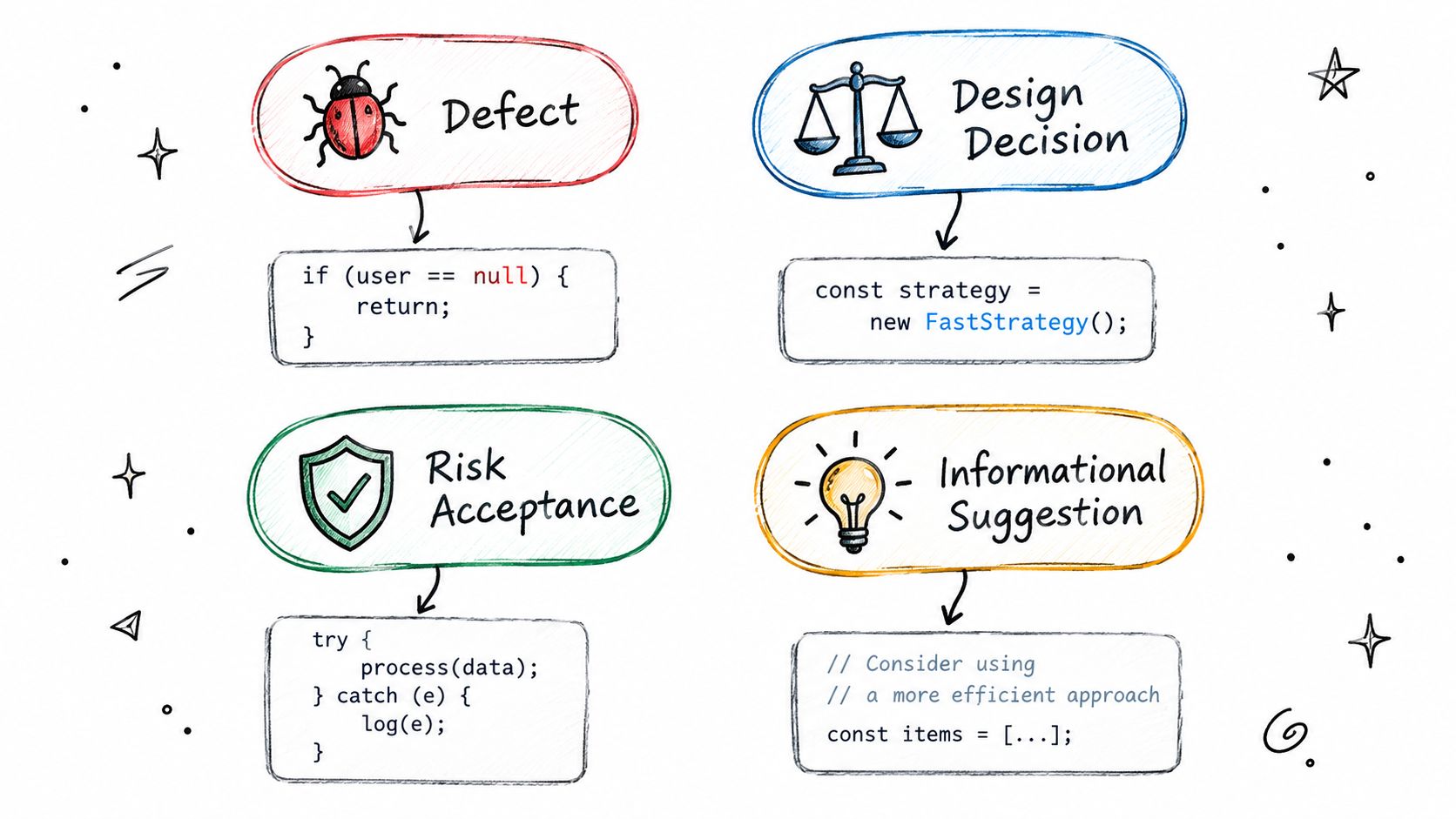
Different comments ask for different outcomes. A defect report requests a fix. A design comment asks the team to choose or confirm an approach. A risk-acceptance comment records an explicit decision to proceed despite a known concern. An informational comment offers context without blocking the change.
Use these patterns as starting points, not scripts:
- Defect: “Control [control ID] requires [requirement]. In [file, symbol, or code path], the change [observed behavior], which allows [concrete consequence]. Please [minimal remediation], then verify [acceptance test or evidence].”
- Design decision: “This changes [security boundary or design property]. Should [component] follow [option A] or [option B]? The threat model assumes [relevant assumption]. Please record the chosen approach and how it preserves that assumption.”
- Risk acceptance: “This leaves [specific risk] in [affected component]. The proposed mitigation is [current measure], and the remaining exposure is [plain-language consequence]. Please confirm the accountable owner and document acceptance against [control or decision record] before merge.”
- Informational: “For future changes, [technical context] matters because [reason]. This isn't blocking this pull request, but please consider [suggested improvement] when [relevant condition].”
A strong comment lets someone reconstruct the decision later. Name the affected code element, state the requirement or threat, distinguish a mandatory fix from advice, and define what counts as resolution. If those pieces are missing, the author may answer the wording without addressing the risk.
For an AI-assisted reviewer, use a prompt that requires evidence rather than confident prose: “Review the changed code and surrounding context against [control or threat-model requirement]. Report only findings tied to an exact code element. For each finding, state the observed behavior, security consequence, required change, and verification condition. Mark uncertainty explicitly. Don't claim that a control was violated unless the code supports that conclusion.”
That structure is consistent with practical review guidance on writing actionable secure code review comments. It also discourages a common failure in generated feedback: describing a plausible risk without showing where the code creates it.
Inline Comments vs Suggested Changes vs Batch Reviews
These tools solve different problems. An inline thread locates the concern. A suggested change offers a concrete edit the author can apply. A batched review lets the reviewer collect findings and submit them together, reducing interruptions while they inspect the pull request.
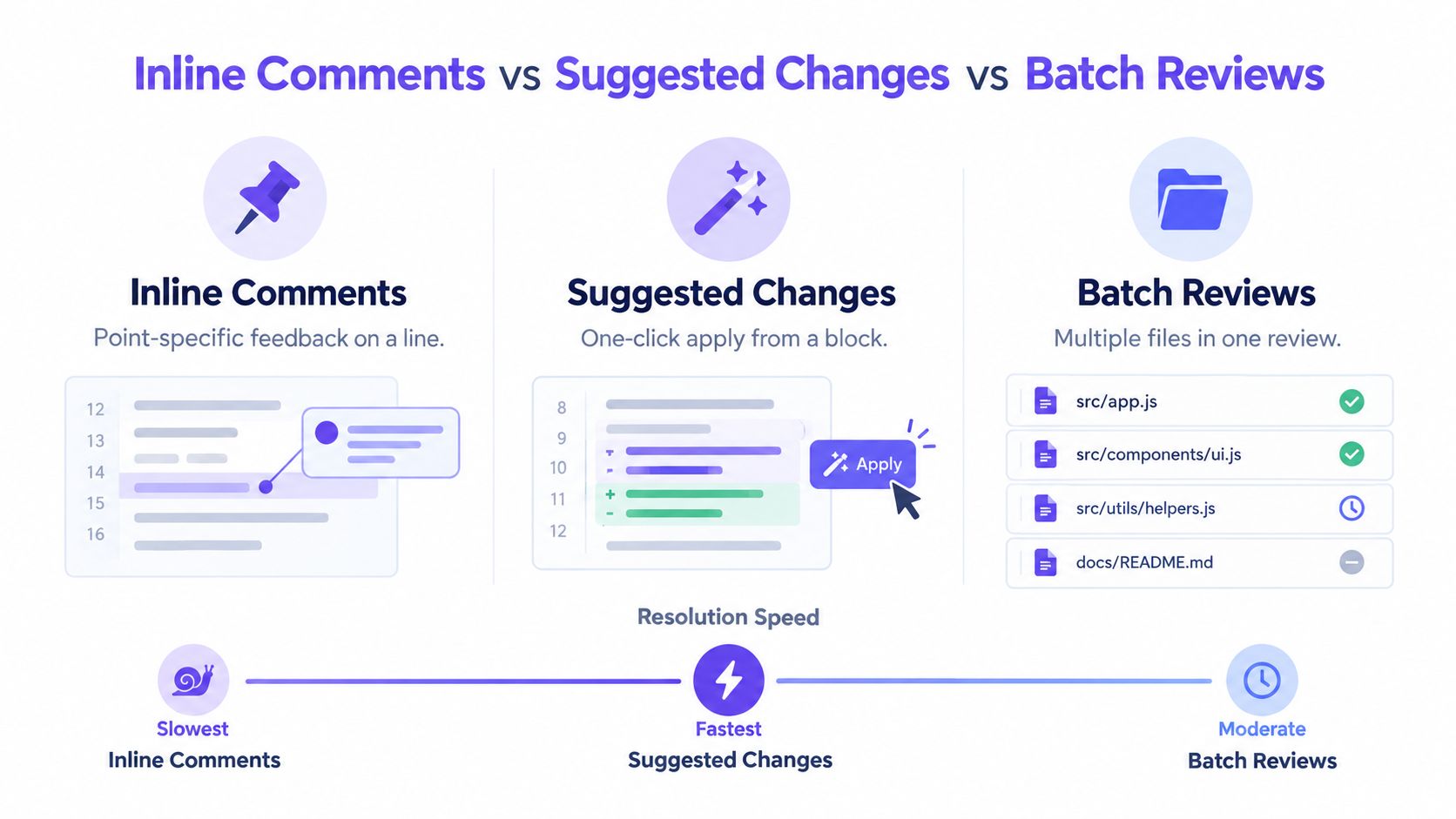
Consider a pull request that builds a query using untrusted input. An inline comment can point to the interpolation and explain the injection risk. If the correct fix is a small, unambiguous switch to parameterized input, a GitHub suggested change can provide that edit directly. If the remediation requires choosing how multiple call sites should share a validation boundary, a suggested change is the wrong tool. Record the design concern in a review comment and ask for a decision.
| Mechanic | Best fit | Trade-off |
|---|---|---|
| Inline comment | A specific defect or question tied to code | The author must make and commit the change |
| Suggested change | A small, clear edit that preserves the intended behavior | A one-click patch can hide a design choice if the reviewer hasn't explained it |
| Batched review | Several related findings collected during one review | Important findings can get buried if the reviewer saves all feedback for a vague final summary |
Don't use suggestions to make uncertain changes look settled. A patch that changes authorization, data handling, or trust boundaries needs an explanation of the security requirement, not just replacement code. For related findings across files, batch the comments but keep each one anchored to the relevant code. That gives the author a coherent review without turning one summary paragraph into a scavenger hunt.
When the change is clear and local, a suggested edit can shorten the exchange. When it isn't, a good thread should state the question, the risk, and the evidence needed to close it. The fastest resolution is not always the fastest click. It's the path that resolves the underlying issue without creating a second review round to undo a guess.
Tracking Resolutions and Stopping Thread Spirals
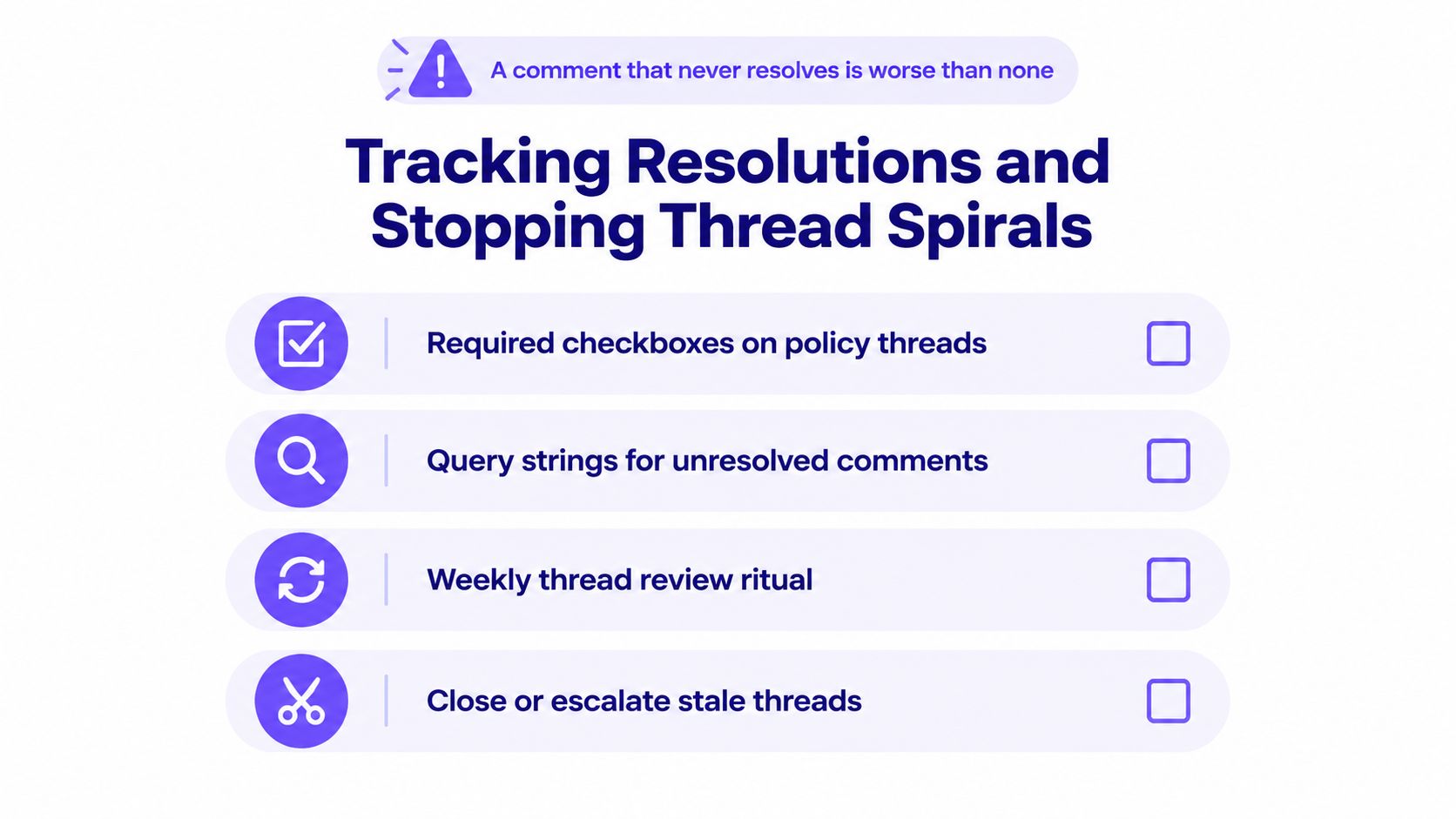
A comment without a recorded outcome is unfinished work. Authors need to know which threads block merge, reviewers need a way to find unresolved findings, and teams need a repeatable method for closing or escalating stale discussions.
Make the thread's state explicit
For policy comments, write the acceptance condition in the thread itself. For example: “Blocking until the export path checks the caller's tenant before returning records. Resolve after the code change and the authorization test are visible.” The condition gives the author a clear task and gives the reviewer a basis for checking the fix.
Use GitHub's unresolved-thread filters or repository automation to surface open conversations. Query formats and capabilities can vary with the interface or tooling, so verify the search you use against the repository rather than relying on an undocumented string as a control. A filtered queue is useful only if someone owns it.
Separate blocking findings from advisory feedback
A security defect tied to a deterministic policy should block merge until it's fixed or formally accepted. An informational observation shouldn't remain mixed in with blocking threads. Labeling the distinction prevents authors from guessing whether a comment is a request, a suggestion, or a recorded decision.
Assign CODEOWNERS to security-sensitive paths and make the required review status part of the branch protection policy where appropriate. A code owner's approval helps establish who reviewed the change, but it doesn't substitute for verifying that individual policy findings were resolved.
A weekly thread review works when it ends with a decision, not another list of reminders. Close threads that are fixed, escalate unresolved policy decisions to an accountable owner, and mark advisory items as non-blocking when they no longer need to hold up the change. Teams can also make this review part of their broader code review automation workflow.
A resolved button isn't evidence by itself. Check the updated code or the documented risk decision before treating a security thread as closed.
Turning Review Comments into Policy and Threat Model Decisions
Security review comments become useful governance records when they connect the code to an explicit requirement. A comment that says “sanitize this” is difficult to audit. A comment that identifies the control, explains the threat-model assumption, names the affected code path, and states how to verify the change can support a repeatable decision.
Start with a stable reference: a control identifier, threat-model requirement, or approved design decision. Include it in the comment alongside the concrete behavior that violates or risks violating it. Then define the resolution condition. The reviewer should be able to verify the code change, test evidence, or documented acceptance without guessing what the original author intended.
For example:
Control SEC-INPUT-04: This handler passes the request value into the query builder without parameterization. An attacker could alter the query through crafted input. Use a parameterized query and add a test that confirms input is treated as data.
The control identifier connects the finding to policy. The code behavior and consequence explain why it matters. The requested change and test give the team a way to verify the outcome. If the team chooses not to remediate, record the acceptance, owner, rationale, and scope rather than resolving the thread as though the code changed.
Policy-as-Code can help here. A pull-request check can evaluate whether required controls passed, whether a blocking finding remains open, and whether an exception has an accountable decision attached. It shouldn't infer that a comment is resolved just because a thread was marked resolved. The implementation still needs to match the approved decision. DevArmor provides policy enforcement on pull requests and ties controls to security context and review outcomes; teams can learn more about policy-as-code enforcement.
AI-assisted changes make the evidence question more pressing. GitHub reported that more than 97% of 2,000 surveyed enterprise developers had used AI coding tools, while a privacy-focused survey found that 52.94% of 51 developers always spent extra effort checking whether generated code met privacy requirements (GitHub's survey on AI use among enterprise developers). Those figures don't prove that AI-generated code is less secure. They do make a practical point: reviewers should ask what assumptions the change relies on, who verified them, and how the code demonstrates compliance.
The audit trail should preserve the finding, its control or threat-model link, the author's change or acceptance decision, and the verification outcome. That record is more meaningful than a comment count or an approval detached from the underlying risk.
A Practical Checklist and Metrics That Prove It Works
Use this checklist before submitting a security-relevant review comment:
- Locate the issue: Anchor the feedback to a code range, symbol, file, or named policy.
- Describe the behavior: State what the code does, not what you assume the author intended.
- Explain the consequence: Connect the behavior to a threat, control, or concrete failure mode.
- Request one outcome: Ask for a minimal code change, an explicit design decision, or documented risk acceptance.
- Define verification: Name the test, evidence, or condition that will show the thread is resolved.
- Set the status: Mark the comment as blocking or advisory, and make the reason clear.
The quality test is straightforward. An empirical evaluation of review comments assessed whether they identify an actionable problem, explain it technically, and offer a concrete path to improvement. Another study classified 55.53% of 1,116 review comments as useful because they led to code changes, while 44.47% did not (the study of useful review comments and author changes). A code change doesn't automatically prove the comment improved security, but it's a more informative signal than comment volume alone.
Track a small set of measures and inspect the underlying threads:
| Metric | What it helps reveal |
|---|---|
| Response-triggered change rate | Whether feedback is connected to code changes, while still requiring reviewers to check that the change fixed the issue |
| Time to first review | Whether authors wait too long for feedback |
| Reopened threads | Whether reviewers and authors agree on what counts as resolution |
| False-positive rate | Whether findings are specific enough to justify interruption and blocking |
Each week, review a sample of recent pull requests and score comments against actionable problem identification, technical explanation, and a concrete improvement path. Use the results to adjust templates, clarify policy requirements, and route ambiguous feedback for human judgment instead of turning it into an automatic merge block. Thresholds should reflect the team's risk tolerance and workload, not an arbitrary target.
Start by auditing your next pull request: choose one security-relevant thread and make sure it names the control, the affected code, the required outcome, and the verification evidence. DevArmor connects threat modeling, security design review, and policy enforcement to developer workflows, including pull requests. If your team needs review findings tied to traceable security decisions, visit DevArmor to explore how it can fit into your delivery process.
Table of Contents
Subscribe