
10 Best Threat Modeling Software Tools in 2026
 Reza Khosravi
Table of Contents
The biggest threat to your threat modeling program isn't a missing feature. It's a folder.
You know the one. A dozen data-flow diagrams from three architecture reviews ago, named after services that have since been renamed, split, or retired. Nobody opens it until an auditor asks, and then someone spends a week rebuilding a decision the team already made. In a 2021 Security Compass survey of 213 professionals at organizations with engineering teams larger than 100 full-time employees, 79% called threat modeling a top priority, yet only 25% said their organizations performed it during early requirements and design, and fewer than 10% applied it to at least 90% of the applications they developed (Security Compass).
So the decision in front of you isn't which canvas looks nicest. It's where security context lives, and whether it survives the next sprint. Every tool below is judged on four things:
- Continuous modeling: does the model update when the system changes, or only when someone schedules a workshop?
- Developer-workflow integrations: does feedback land in Jira, the IDE, and the pull request, or in a tool developers never open?
- Policy enforcement: can a violated design decision stop a merge?
- Auditability: can you reconstruct who approved what, and prove the control shipped?
That last criterion is the one most tooling fails, and it runs on the same discipline that makes least-privilege scopes for agent access worth getting right before you hand a coding agent a token.
This list is for teams that have to prove their answers: application security leads, product security engineers, platform teams in FinTech, HealthTech, and media, and the engineering managers who own the delivery date. The ten tools fall into three rough camps, enterprise platforms, collaborative modeling apps, and code-first or open-source toolkits. Each camp fails differently.
1. DevArmor
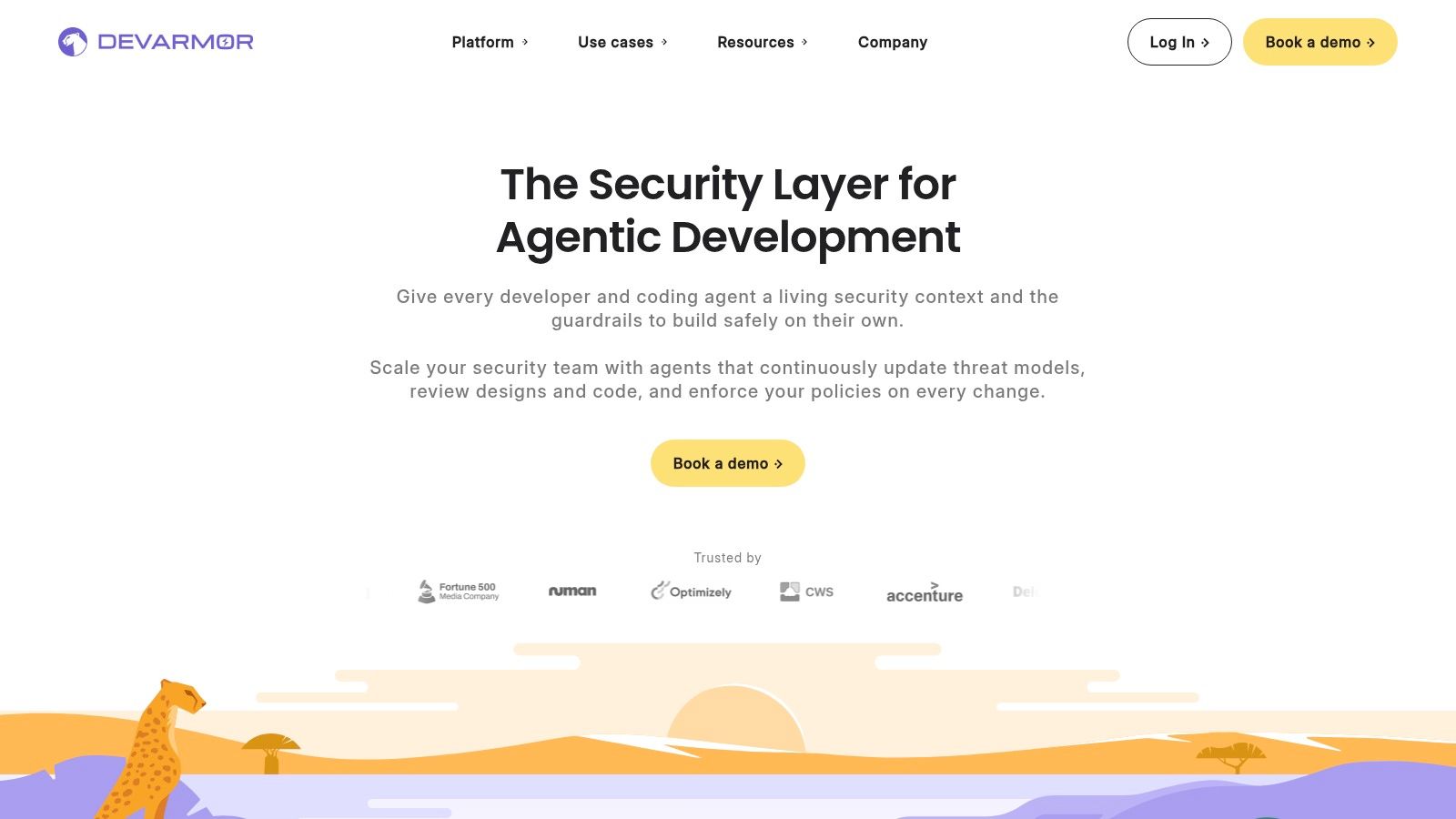
DevArmor builds threat models and generates security requirements in minutes from artifacts teams already have, including tickets, design documents, repositories, and service metadata. It can also reconstruct security context from source code when documentation is missing. The model stays connected to evolving designs and workflows rather than becoming a document that needs a separate workshop to update.
The distinction is how far that context travels. DevArmor brings design feedback into tools such as Jira, Google Docs, IDEs, and pull requests. Its platform combines Continuous Threat Modeling, Automated Security Reviews, and Implementation Verification. Teams can codify security standards, map requirements to checks in their pipelines, and trace review outcomes to approved design decisions. Policy-as-Code checks can run on pull requests, with optional merge blocking.
Where Continuous Modeling Earns Its Keep
AI-assisted development puts pressure on the link between design and implementation. The 2025 DORA AI-assisted software development report reports that nearly 90% of technology professionals use AI at work, while about 30% have little or no trust in AI-generated code. A living threat model gives developers and coding agents current security context to work against. It also gives reviewers a reference for checking whether code changes align with approved requirements.
For regulated teams, traceability matters as much as model generation. DevArmor ties controls to design decisions and threat models, and provides review records as the design changes. One customer reports running threat models across ten applications in minutes, replacing work that previously took weeks of scheduling and workshops.
Pros
- Artifact-driven modeling: DevArmor analyzes existing designs, APIs, workflows, and code to build models that reflect system context.
- Feedback in developer workflows: Reviews can appear in design documents, Jira, IDEs, and pull requests, reducing handoffs between security and engineering.
- Policy enforcement with traceability: Pipeline checks connect requirements to approved decisions, and optional merge blocking can enforce them.
- Support for AI-assisted coding: Security context and guardrails can inform coding workflows, while implementation verification connects approved designs to code changes.
- Audit-friendly records: Reviews, controls, and design decisions remain linked, supporting governance needs in FinTech, HealthTech, and Media.
Cons
- Pricing is not listed here: Teams should use DevArmor's Pricing and ROI Calculator to assess costs and potential returns.
- Workflow fit needs evaluation: Integrations and enforcement matter only if they match the tools and review practices a team already uses.
Website: devarmor.com
2. ThreatModeler Nexus
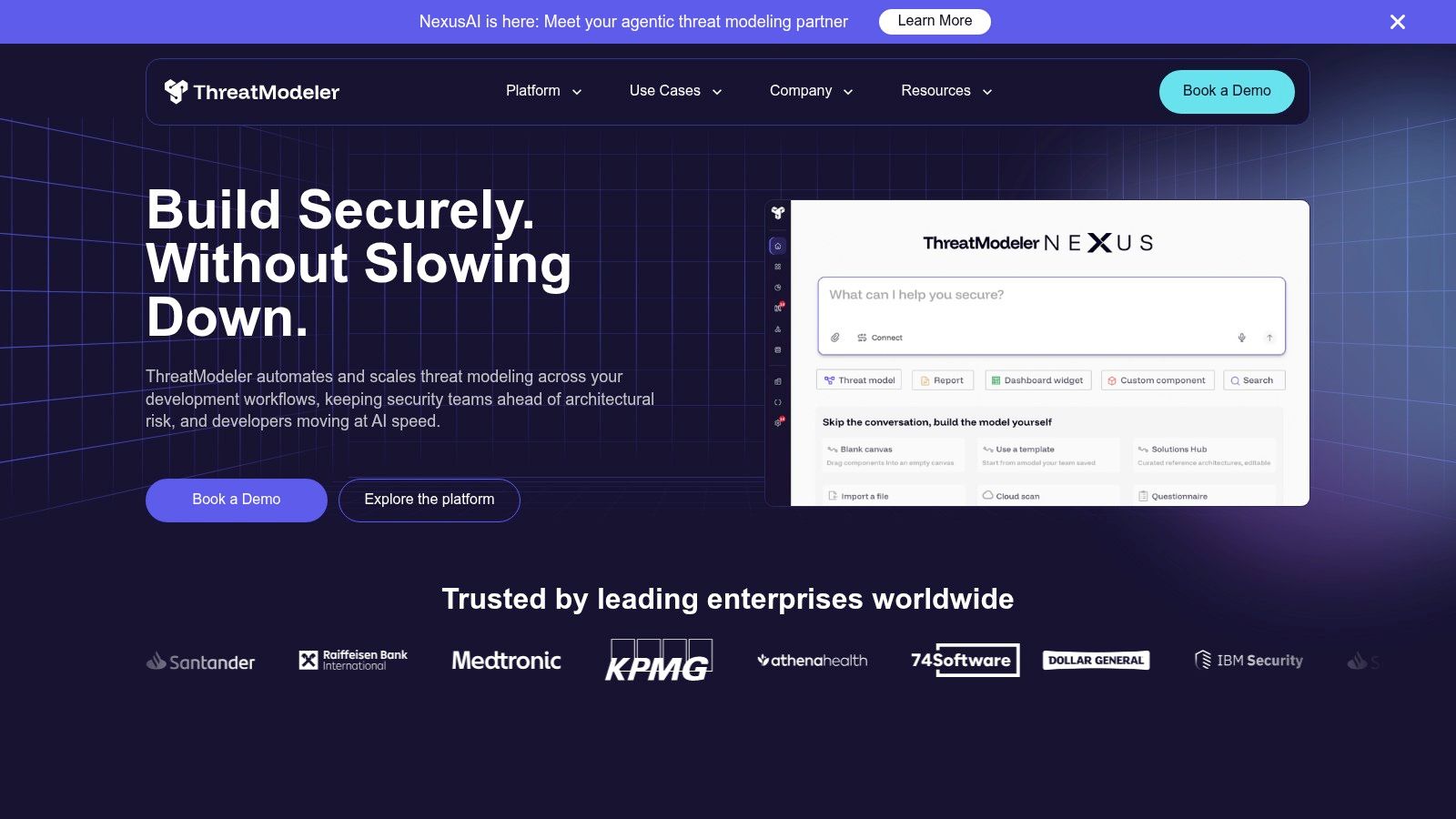
ThreatModeler sells governance, not diagrams. Nexus pairs automated system mapping and threat-modeling agents with a shared Secure Design Graph, so one team's model of a payment service can inform another team's model of the API in front of it. That portfolio view is hard to build in-house, and it's why large enterprises land here.
Models can start from several entry points, which matters more than it sounds:
- Architecture inputs: existing design documents and diagrams.
- Infrastructure as code and cloud context: Terraform and public-cloud configuration rather than hand-drawn boxes.
- Developer workflows: IDE-originated modeling.
- Pipeline integrations: GitHub Actions, Azure DevOps, Jenkins, Jira, and major cloud platforms.
Coverage reaches beyond web applications into medical devices and critical infrastructure, which is unusual in this category.
If your threat model has to span Terraform modules, a dozen cloud accounts, and a regulated device, you're the buyer. If it's four services on one diagram, you'll pay for a portfolio you never populate.
The trade-offs are real. It's heavier than a self-serve product, pricing is quote-based, and the agentic mapping capabilities are new enough that you should test them against your own architecture rather than a demo. Before you sit through a sales cycle, it's worth reading how ThreatModeler compares with its competitors so you arrive with specific questions.
Pros
- Beyond application code: models cloud and infrastructure layers, not just service diagrams.
- Enterprise integrations: GitHub Actions, Azure DevOps, Jenkins, Jira, and Terraform are supported out of the box.
- Governed portfolio view: the Secure Design Graph connects related systems across teams.
Cons
- Oversized for small teams: the governance layer adds setup cost a five-person team won't recover.
- No public pricing: budgeting requires a vendor conversation.
- Validate the agents: newer automated mapping deserves a pilot on a real system before you standardize.
Website: ThreatModeler
3. IriusRisk
IriusRisk is the template machine of this category. You assemble a system from components, the platform pulls threats from its libraries, and it derives mitigations and security requirements from what it finds. Repeatable across many applications is the point, and it's the reason consulting-heavy security teams like it.
Diagramming runs on a draw.io base, which keeps the drawing experience familiar for anyone who has sketched a data-flow diagram before. Enterprise deployments come in SaaS or on-premises flavors, with configuration, reporting, issue-tracker integrations, and an OpenAPI for automation. The free Community Edition caps you at three active threat models and one user.
Templates Solve Consistency, Not Context
That one-user cap tells you what the free tier is for: individual evaluation, not team adoption. The bigger trade-off is conceptual. A library knows what usually goes wrong with a message queue, a token cache, or a file upload handler. It doesn't know what goes wrong with your queue, in your trust boundary, with your retry semantics. Template output needs an architect to review it against the actual system, and teams that skip that step produce impressive-looking models that miss the interesting risk.
Paid pricing is quote-based, so the evaluation usually comes down to whether your organization already runs template-driven compliance programs. If it does, the library is an asset.
Pros
- Free entry point: the Community Edition lets an individual test the workflow without procurement.
- Reusable libraries: templates and component definitions standardize how different teams model the same patterns.
- Deployment flexibility: SaaS and on-premises options for regulated buyers.
- Automation surface: the OpenAPI opens integration paths for teams that want to script reporting.
Cons
- Collaboration is paywalled: three models and one user won't support a team.
- Quote-based pricing: no simple public rate to plan against.
- Review is mandatory: generated threats and requirements need a human who knows the system's architecture.
Website: IriusRisk. If you're weighing it against a continuous model that reads your repositories directly, this IriusRisk alternative comparison covers the differences.
4. Devici
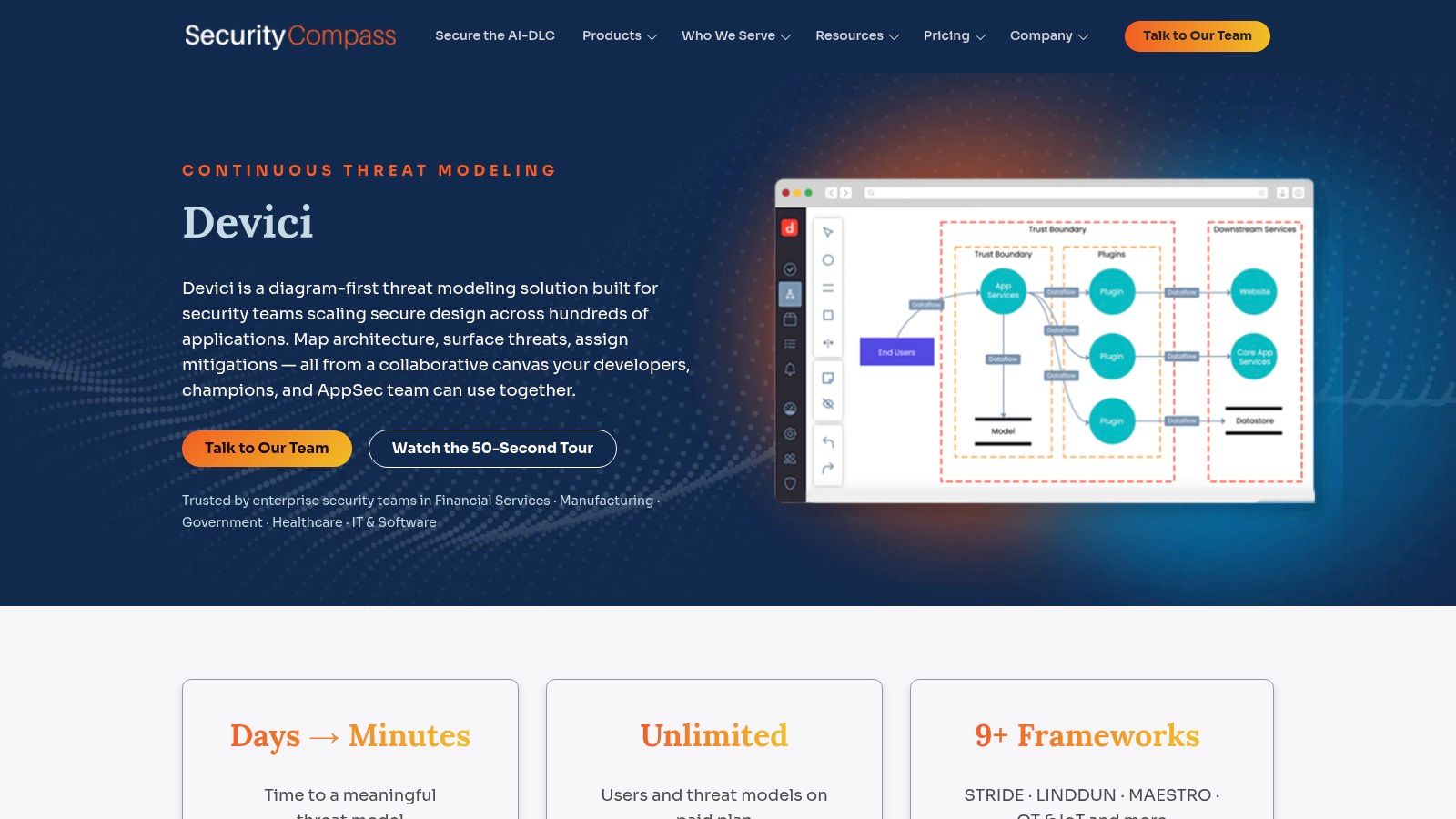
Devici, from Security Compass, is the one your security architects will enjoy using. It's diagram-first and collaborative: draw or import the architecture, apply component attributes, then let Devici's Codex surface relevant threats and mitigations on the canvas. STRIDE and LINDDUN are first-class, and you can bring your own threat content when the library doesn't fit.
The pieces worth knowing about before a demo:
- Enterprise repository scanning: point it at a GitHub repository and it generates an editable starting model rather than a finished one.
- Workflow handoffs: Jira, Azure DevOps, and SD Elements connections, the last of which can push modeling decisions into requirements.
- AI client access: the vendor describes MCP access for AI clients, so threat data can be queried from supported assistants.
- Free tier: available without a credit card, which makes it easy to trial.
The honest limitation is scope. Repository scanning, MCP, and several integrations sit behind paid tiers, and even then Devici isn't a code-review enforcement product. If you need a pull request blocked because a design decision was violated, you're assembling that from a different tool. The free tier is also too thin for portfolio-scale automation, so treat it as a sketchpad, not a program.
Pros
- Diagram-first workflow: natural for teams that think in architecture, not tickets.
- Free tier: no credit card, quick to try.
- SD Elements tie-in: modeling decisions can become tracked requirements instead of a PDF.
Cons
- Paid-tier features: the automation that makes it interesting costs money.
- No native merge enforcement: pair it with a policy layer if blocking matters.
- Free tier is a starter: it won't support portfolio automation.
Website: Devici
5. SD Elements
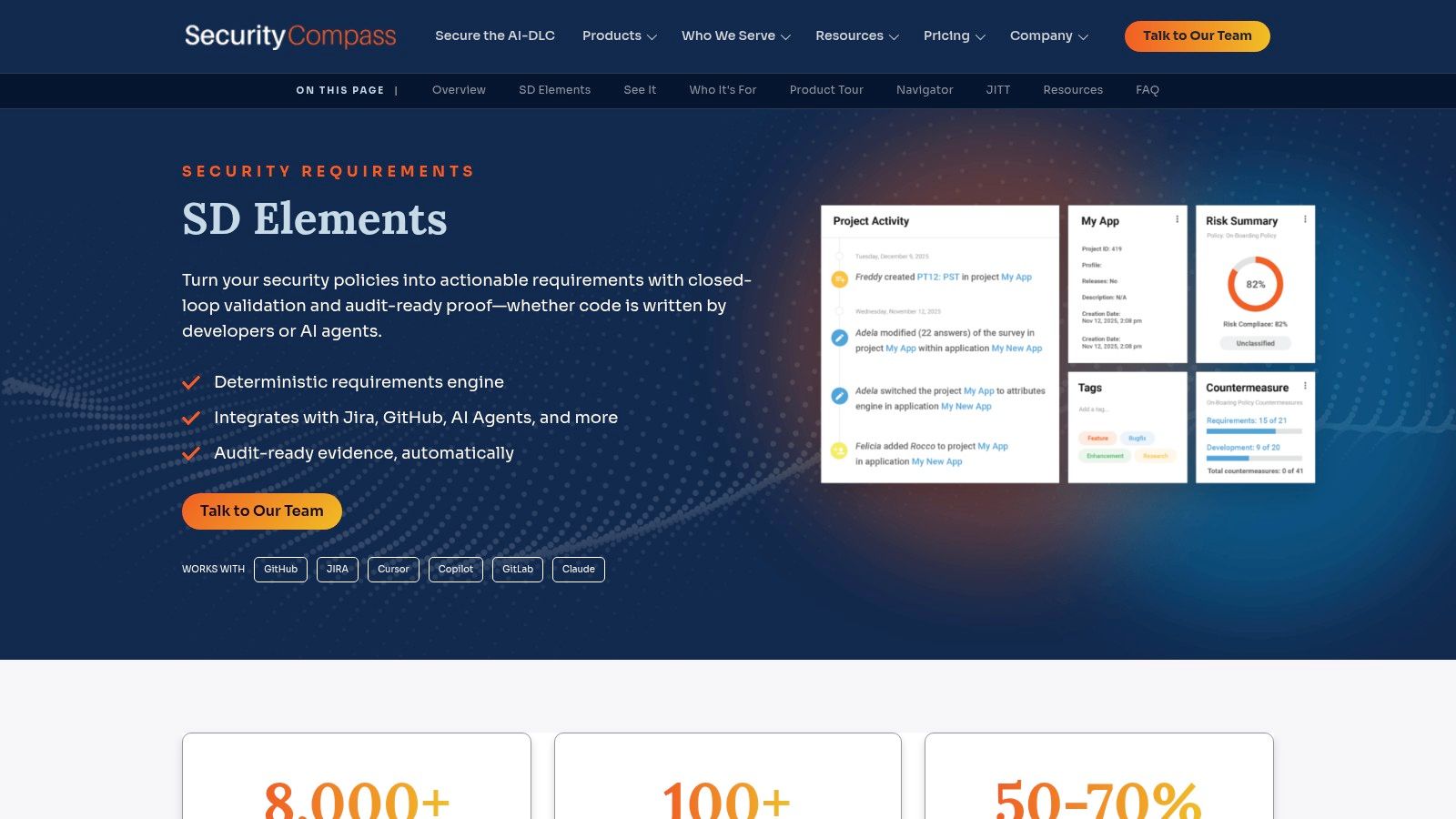
SD Elements isn't a diagramming tool, and judging it as one misses the point. It takes application and architecture context, generates the security requirements that apply to that project, maps them to standards and compliance frameworks, and then tracks whether engineering addressed them. Jira and GitHub integrations carry the work into the backlog where it belongs.
Security Compass positions it as a pair with Devici: model the threats, then convert the results into requirements and evidence. That pairing is the most coherent answer this vendor offers to the "who proves the control shipped" question.
The Evidence Chain Is the Product
For regulated teams, the value isn't the requirement list. It's the mapping. When an auditor asks why a specific control exists in a specific service, you can trace the requirement back to application context, forward to the ticket, and confirm the implementation. Most organizations rebuild that chain manually every audit cycle, badly.
AI-agent workflow support is described by the vendor, which is worth testing rather than assuming. And generated requirements still need validation: a framework-mapped control that doesn't match your actual data flow is worse than no control, because it creates false assurance in a document someone will rely on.
Pros
- Design decisions become tasks: requirements land in Jira or GitHub instead of a wiki.
- Compliance mappings: traceable evidence supports regulated audits.
- Complements existing modeling: works alongside a tool you already run.
Cons
- Not a visual modeler: teams wanting diagrams need Devici or similar.
- Quote-only pricing: requires contacting Security Compass.
- Validation required: generated requirements can miss application-specific context.
Website: SD Elements
6. Microsoft Threat Modeling Tool
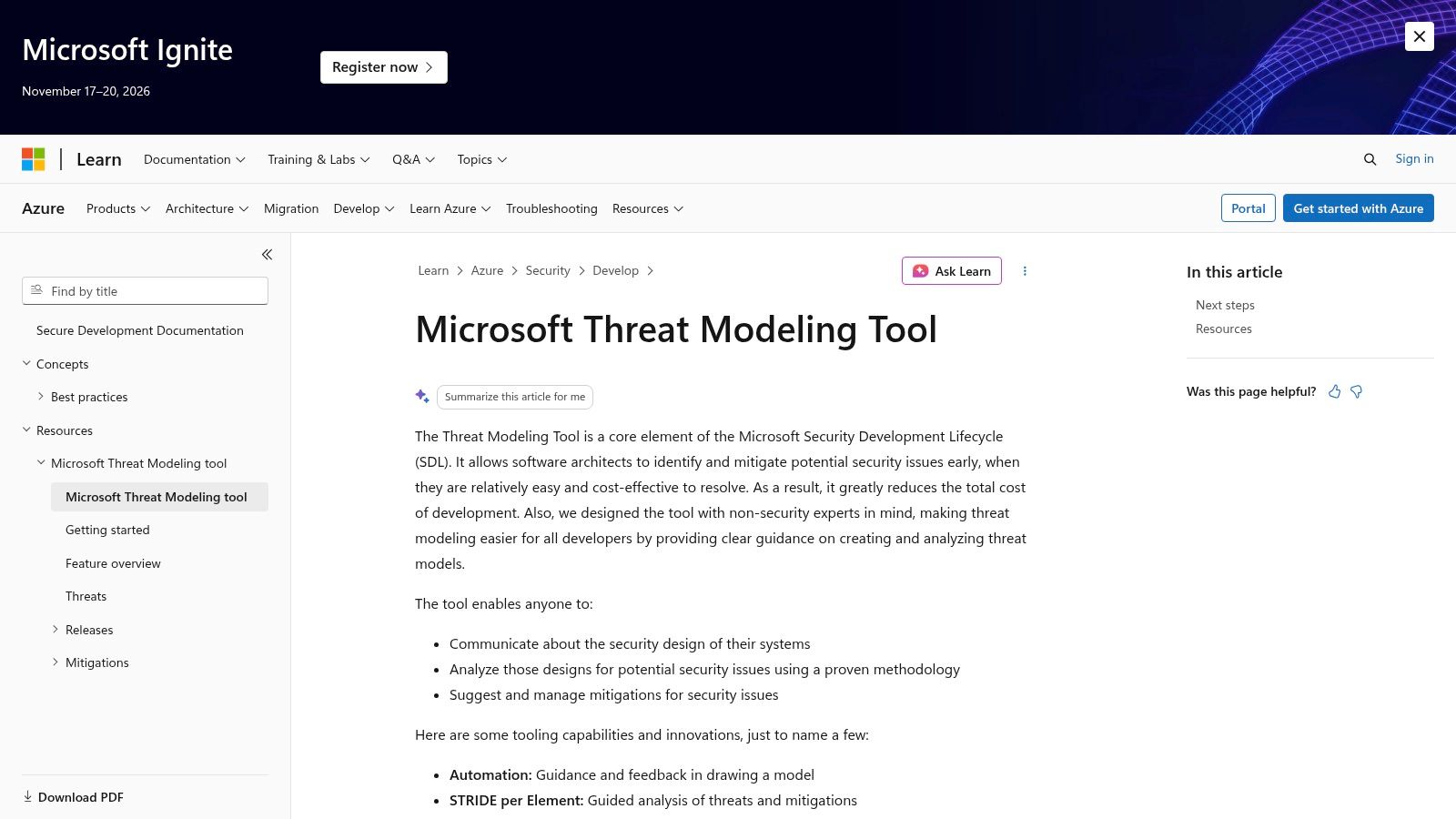
The free Windows desktop tool from Microsoft remains the cheapest credible way to run a structured design review. You draw a data-flow diagram, mark trust boundaries, and the tool walks STRIDE against your elements. Version 7.3.51110.1, released November 10, 2025, keeps the same model, and Microsoft lists Windows 10 Anniversary Update or later and .NET 4.7.1 or later as requirements.
STRIDE itself is still the shared vocabulary, which is why a STRIDE-only tool isn't as limiting as it sounds. Threat Modeling Connect's State of Threat Modeling 2024–2025 report found that 88% of respondents identified STRIDE as part of their organization's threat-modeling strategy. If you're standardizing on one methodology so that reviewers across teams produce comparable output, this tool is already speaking the language.
Practical rule: use the desktop tool to run the review, then move the findings somewhere your pipeline can read. The diagram is the artifact. The traceable decision is the deliverable.
Where it falls short is everything after the review. Windows-only licensing blocks mixed-platform teams, the file-based workflow doesn't collaborate in real time, and there's no centralized governance across a portfolio. Nothing pushes a finding into the pull request. If you're choosing a methodology rather than a product, our overview of threat modeling frameworks covers where STRIDE stops being enough.
Pros
- Zero license cost: nothing to purchase, nothing to procure.
- Structured starting point: data-flow diagrams plus STRIDE produce defensible design reviews.
- Official documentation: Microsoft maintains release notes and guidance.
Cons
- Windows-only: a real barrier for mixed-platform engineering groups.
- Not continuous: desktop files don't refresh when the architecture changes.
- No portfolio governance: central reporting and automated enforcement need other tooling.
Website: Microsoft Learn
7. OWASP Threat Dragon
Threat Dragon is the tool I recommend to any team that wants to start modeling this week with no budget conversation. It's free and open source, runs as a desktop app or a self-hosted web app, and includes a rule engine that suggests threats and mitigations as you diagram. Methodology coverage is broader than most paid tools: STRIDE, LINDDUN, CIA, DIE, and PLOT4ai, with PDF report export.
The honest caveat is that a free diagram editor doesn't fix timing. Application-security data cited in the 2025 DORA AI capabilities model report shows only 36% of teams involve security during planning while 57% wait until late testing or deployment, and 36% deprioritize threat modeling because of limited bandwidth. It also shows 58% of respondents encounter false positives frequently, with 11% hitting them constantly. Buying or downloading a modeling tool doesn't move any of those numbers. Changing when and where the review happens does.
Two practical notes. Its model files are incompatible with tools like pytm and Threagile, so pick your format before you build a library. And self-hosting the web version means you own the deployment, upgrades, and backups.
Pros
- Free and open source: no procurement, no seat math.
- Deployment control: desktop and self-hosted web options suit air-gapped or privacy-sensitive environments.
- Broad methodology support: five frameworks in one tool.
Cons
- Format lock-in: model files won't move cleanly to pytm or Threagile.
- No governance layer: review, approval, and evidence tracking are yours to build.
- Maintenance burden: self-hosting is an operational commitment.
Website: OWASP Threat Dragon
8. Threagile
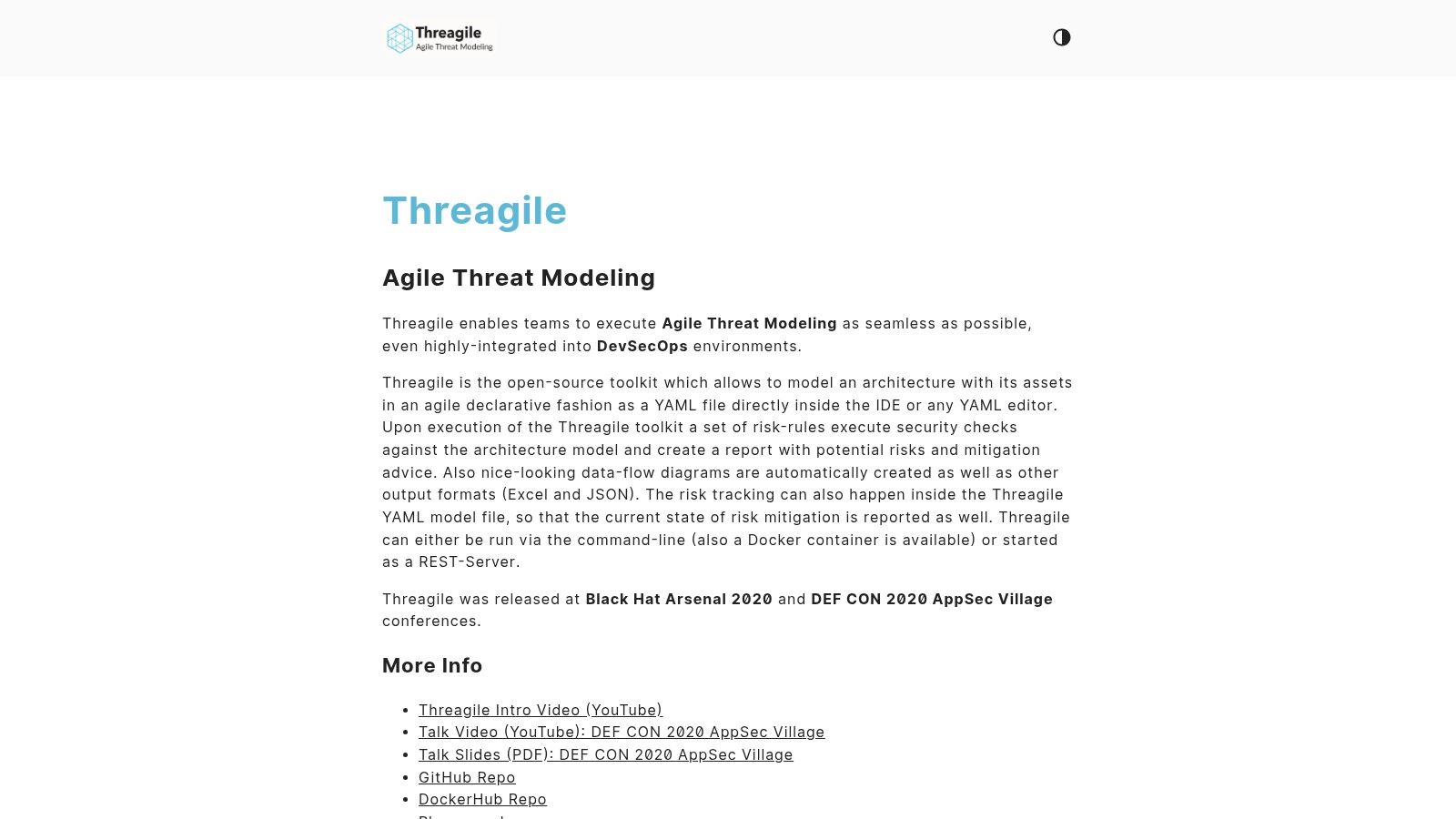
Threagile treats the threat model as source. You describe architecture, assets, and trust boundaries in YAML, and the toolkit applies risk rules to generate data-flow diagrams, reports, and mitigation advice. Because the model lives in Git next to the code it describes, an architecture change shows up as a diff in code review. That's a unique guarantee compared to any diagram tool offers.
Outputs include diagrams, Excel, and JSON, and it runs from the command line, in Docker, or as a REST server, so a pipeline can regenerate the model on every merge. Declarative models also make reusable patterns practical: define your standard service shape once, instantiate it per system.
Trade-off: you get diffable architecture and pipeline-native output, and you give up a canvas a product manager will ever open. Budget for review rituals, not just tooling.
The cost is human. Someone has to be fluent in YAML and willing to maintain the model as the system evolves. There's no managed portfolio administration and no commercial support line, which matters when the finding reaches a regulated audit and you need an answer you can stand behind.
Pros
- Version-controlled models: architecture changes appear in code review.
- Pipeline-native: CLI, Docker, and REST options fit CI workflows.
- Reusable patterns: declarative definitions scale across similar services.
Cons
- YAML fluency required: excludes most non-engineers from reviewing the model.
- Maintenance is on you: reports need a defined path into remediation.
- No commercial backing: no managed administration or vendor support.
Website: Threagile
9. OWASP pytm
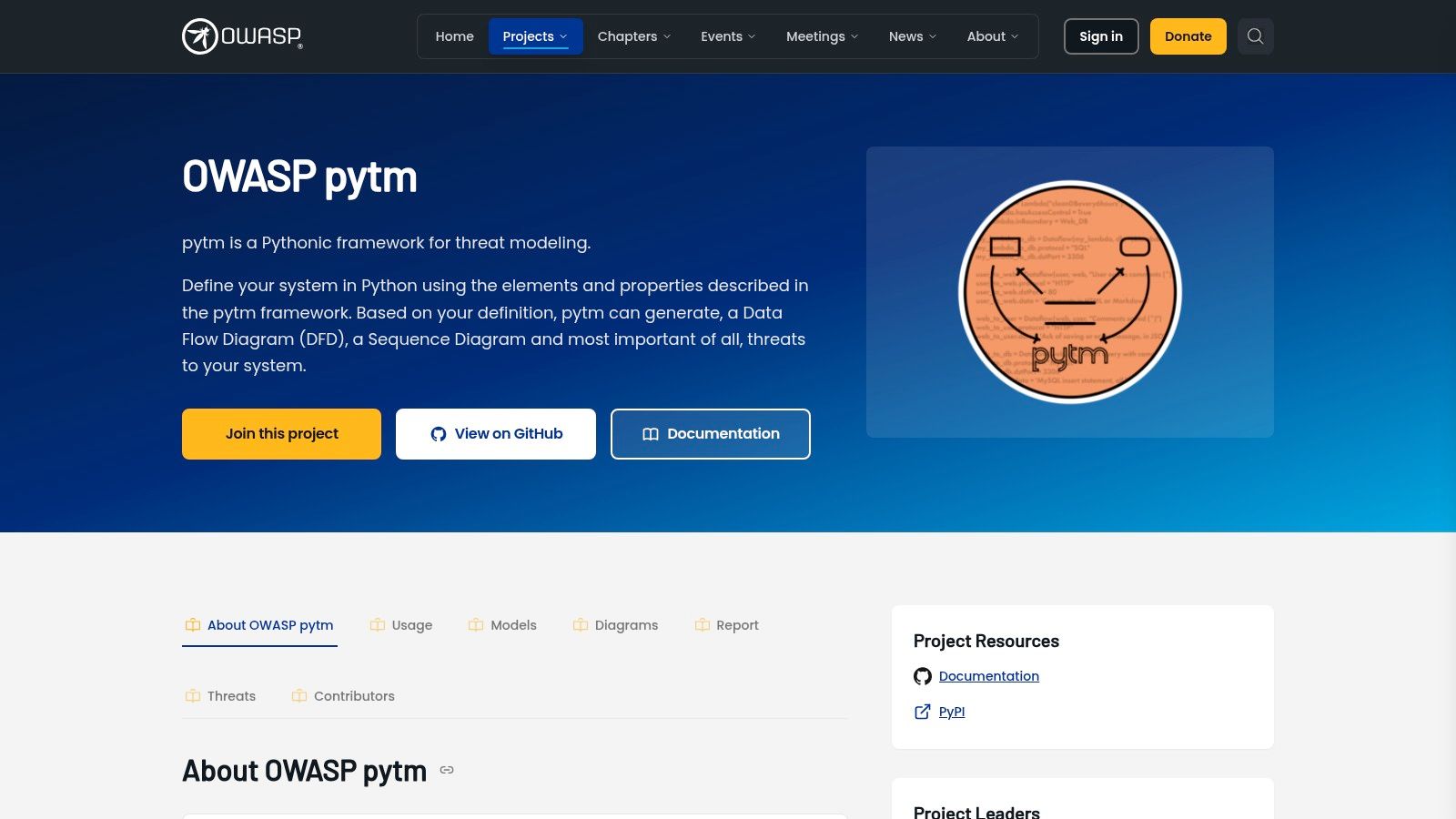
pytm is a Python framework, not an application. You define system elements, data flows, and boundaries as objects, then generate data-flow diagrams, sequence diagrams, and the threats that apply. Threat definitions and report templates are reusable, so an organization can encode its own knowledge rather than borrowing a vendor's library.
When Code-First Beats Canvas-First
The case for pytm is the case for infrastructure as code generally. A model defined in Python can be reviewed, versioned, tested, and extended with logic a GUI can't express. If your architecture includes conditional trust boundaries, generated service meshes, or environment-specific flows, expressing that in code is often cleaner than drawing three variants of the same diagram.
OWASP lists it as a production project with a contributor community, which gives it a maintenance story most internal scripts don't have. Setup requires Python skills and diagram-generation dependencies, and teams consistently underestimate that first hurdle.
What you don't get is a workflow. There's no review queue, no approval record, no way for a product manager to comment on a threat. You're building stakeholder review and governance yourself, or pairing pytm with something that owns it. For engineering-led organizations with strong platform teams, that's a fair trade. For everyone else, it's a script that produces a PDF nobody signs.
Pros
- Full expressiveness: Python logic handles modeling cases a GUI can't.
- Version-controlled: models follow normal code review.
- Extensible: reusable threat definitions and custom report templates.
- Free and open source: no licensing constraints.
Cons
- Real setup cost: Python skills plus diagram dependencies.
- Framework, not product: no collaboration or approval workflow.
- Governance is DIY: review and evidence retention are your problem.
Website: OWASP pytm
10. AWS Threat Composer
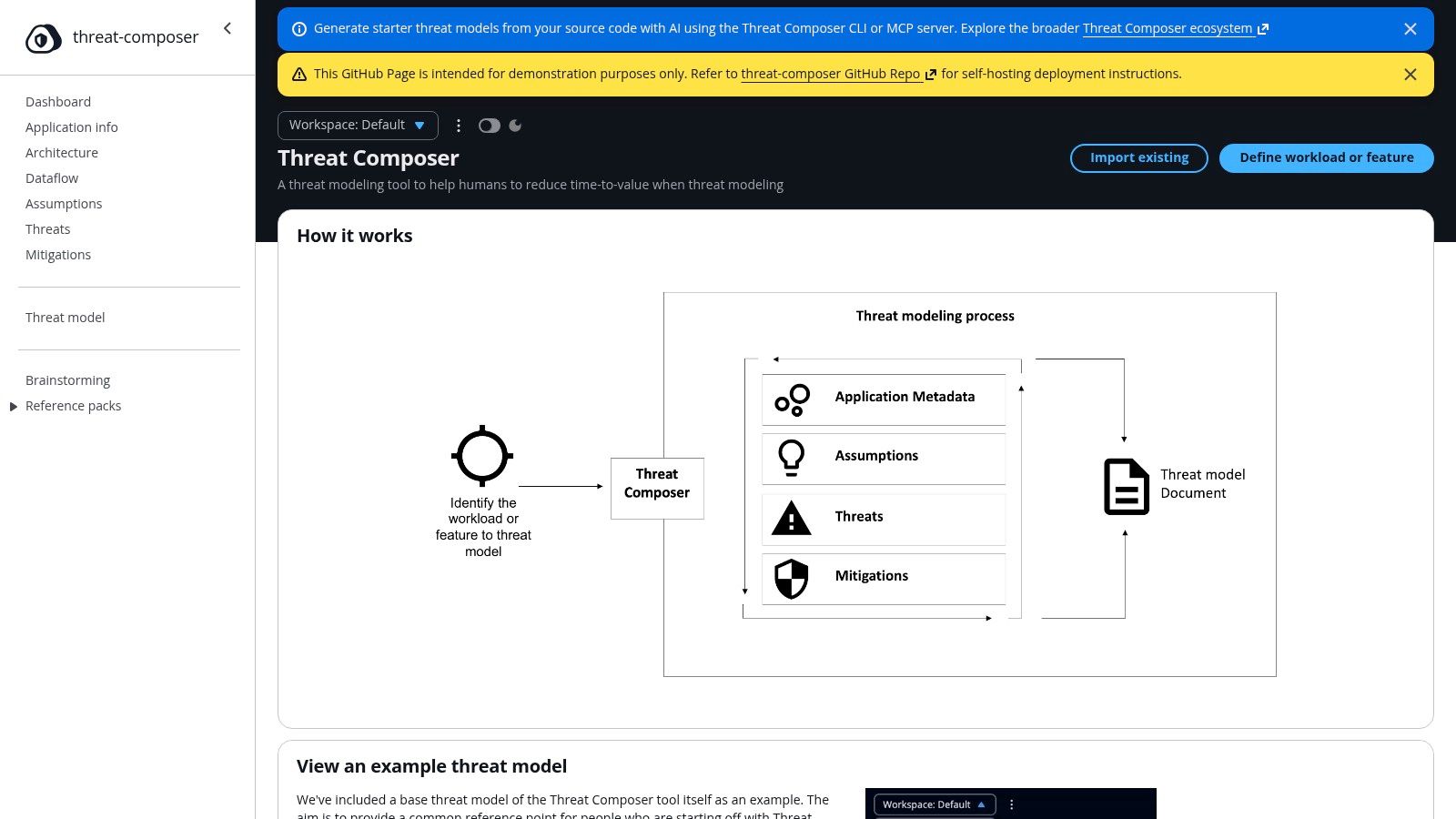
AWS Labs' Threat Composer is the most interesting open-source entry because it spans both worlds. There's a browser application for diagrams, assumptions, threats, and mitigations, with exports to JSON, Markdown, DOCX, and PDF. There's VS Code support with one-click viewing of models in several repository platforms. And there's an AI-assisted CLI and MCP server that will draft a starting model from a codebase.
The Threat Grammar structure is the underrated part. Forcing threats into a consistent shape makes them reviewable and comparable across teams, which is more than most free tools achieve.
Treat the AI drafting as a first draft, not an answer. A comparative benchmark of LLM threat-elicitation tools evaluated 56 threat models produced by six LLM-based tools against novice and expert human modelers, and found generated threats were somewhat similar to human-identified threats while overall performance was relatively low, especially for expert-level elicitation (Future Generation Computer Systems). Differences tracked prompting strategy and the underlying model's reasoning capability in comparable measure, which is exactly why you should version prompts, models, and retrieved context alongside the model file.
The useful question isn't whether an AI can draft a threat model. It's whether a reviewer can trace each generated threat back to the artifact and assumption that produced it.
As an AWS Labs project, support expectations deserve scrutiny before you make it a control of record, and Bedrock inference costs apply to the AI CLI features.
Pros
- Two workflows: browser and VS Code, with version-control-friendly JSON models.
- Structured grammar: consistent threat records that compare across teams.
- AI drafting: the CLI and MCP server reduce blank-page effort.
- Self-hostable: deploy it inside your own environment.
Cons
- Support ambiguity: an AWS Labs project isn't a contracted vendor commitment.
- Review required: AI-generated starter models need validation against real architecture.
- Inference costs: Bedrock usage adds spend to AI features.
Website: AWS Threat Composer
Threat Modeling Tools Compared
| Modeling Approach | Developer Workflow Integrations | Policy Enforcement | Free Option | Best For |
|---|---|---|---|---|
| DevArmor (recommended): Continuously updates threat models from engineering artifacts | Jira, Google Docs, GitHub, VS Code, Cursor, and MCP | Pull-request policy checks, optional merge blocking, and traceable security decisions | No free option stated; contact vendor for pricing | Teams connecting security design, development, and deployment |
| ThreatModeler Nexus: Agent-assisted modeling with a shared Secure Design Graph | GitHub Actions, Azure DevOps, Jenkins, Jira, Terraform, and cloud platforms | Governance framework; specific enforcement details not stated | No free option stated; contact vendor | Enterprises modeling applications, cloud, and infrastructure |
| IriusRisk: Template- and library-based threat modeling | Issue trackers and enterprise integrations; OpenAPI available | Derives mitigations and security requirements; enforcement not stated | Community Edition, limited to three active models and one user | Teams standardizing models across applications |
| Devici: Diagram-first collaborative modeling with threat and mitigation libraries | Jira, Azure DevOps, GitHub scanning, SD Elements, and MCP | Not a code-review enforcement product | Free tier available | Teams that prefer to start threat modeling from architecture diagrams |
| SD Elements: Generates security requirements from application and architecture context | Jira, GitHub, and developer workflows | Tracks requirements and implementation evidence; enforcement not stated | No free option stated; contact vendor | Teams managing security requirements and compliance traceability |
| Microsoft Threat Modeling Tool: Windows desktop data-flow diagrams using STRIDE | Desktop workflow; broad integrations not stated | Design-phase analysis; automated enforcement not stated | Free download | Teams seeking a basic, structured design-review tool |
| OWASP Threat Dragon: Visual diagrams with a threat rule engine | Desktop or self-hosted web application | Suggests threats and mitigations; enforcement not stated | Free and open-source | Teams seeking a flexible, self-hosted modeling tool |
| Threagile: YAML-based threat modeling as code | Git, command line, Docker, and REST server | Risk-rule analysis; pipeline enforcement depends on team setup | Free and open-source | Developer-centric teams using version control and CI workflows |
| OWASP pytm: Python-based programmatic system modeling | Python development workflows; integrations not stated | Generates threat reports; enforcement not stated | Free and open-source | Python-capable teams wanting customizable, code-based models |
| AWS Threat Composer: Browser and code-based modeling with structured Threat Grammar | VS Code, repository platforms, CLI, and MCP | Human review required; automated enforcement not stated | Open-source; AI inference may incur costs | Teams wanting version-controlled models and AI-assisted drafting |
Choosing by Fit and Matching the Tool to How Your Team Builds
Start with who owns the practice, because that shapes which category you should even be evaluating. Gartner's 2023 Security in Software Engineering Survey, fielded from June 7 to July 14, 2023 among 300 software engineers and security professionals, found that software engineering teams led threat modeling in 38% of organizations while security teams directed it in 44% (Gartner). If your engineering leads own it, buy for developer workflow and low handoff cost. If security directs it, buy for governance, evidence, and review records. Tools that only satisfy one side of that split get abandoned by the other.
Regulated, fast-moving teams that need continuous context and pull-request-level enforcement should shortlist DevArmor. The bet is that a model built from your repositories stays current without a workshop, and that a blocked merge traces to an approved decision rather than a scanner's guess. A founder-led demo is available, and the site offers a Pricing and ROI Calculator so you can sanity-check cost against review hours before you talk to anyone.
Enterprises modeling cloud and infrastructure portfolios should look at ThreatModeler Nexus. The Secure Design Graph is the reason, not the diagram editor. If you're spanning Terraform modules, multiple cloud accounts, and connected devices, portfolio governance is the problem you're buying.
Teams that want template-driven compliance evidence have two credible paths. IriusRisk if you want libraries and repeatable derivation in one platform. The Security Compass pair, Devici plus SD Elements, if you want modeling and requirement tracking to hand off cleanly to engineering.
Engineering-led organizations comfortable with code-first workflows get strong free options. Threagile for diffable YAML models in the pipeline, pytm for programmatic modeling with custom logic, Threat Composer for a browser-plus-IDE workflow with AI drafting. All three assume you'll build the review ritual yourself.
Teams starting structured STRIDE modeling at zero cost have two good answers in Microsoft's desktop tool and OWASP Threat Dragon. Neither will govern a portfolio, and both are excellent at getting a first real review done this week.
Then pilot. Pick one system that's in production, run the tool on it for a quarter, and measure whether the model stayed current without anyone scheduling a meeting. If it didn't, you bought a diagram editor. And insist that whatever you choose produces evidence an auditor can trace from an approved design decision, through the requirement, to the code that shipped. That chain is the product. Everything else is drawing.
DevArmor turns the repository, tickets, and design docs you already have into a threat model that refreshes as they change, then enforces the result with policy checks at the pull request, with every decision traceable to an approved design. If your current models live in a folder nobody opens, start with a demo on one of your real systems and see what comes back in minutes. Book a personalized walkthrough with our founder at DevArmor.
Table of Contents
Subscribe


