Best Threat Modeling Tools for 2026: 10 Compared
 Reza Khosravi
Table of Contents
A payments team launches an API, but its threat model is a slide deck from last quarter. The architecture has changed, and nobody has checked whether the model's assumptions still match the service.
An outdated threat model can leave design decisions disconnected from the system engineers build. Tool comparisons often focus on methods, integrations, and feature counts. Those matter, but selection also depends on where engineers make decisions, who maintains the model, and whether approved decisions can be traced into code.
Defects found late in the development lifecycle generally cost more to fix than issues addressed during design, as Microsoft's guidance on threat modeling in DevOps explains. The practical goal is to catch security gaps while teams can still act on them, rather than just adding findings to a late-stage backlog.
The ten tools below are grouped by where their threat models live and how teams use them:
- Enterprise and continuous platforms connect modeling to governance or ongoing delivery.
- Free desktop and open-source tools help teams maintain diagrams and design records.
- Architecture-as-code tools keep models in repositories, where engineers can review changes alongside code.
- Workshop methods support collaborative threat identification.
These categories involve different trade-offs. Diagram-based tools can suit teams that prefer explicit design records, while repository-based models fit engineering workflows that already review changes through version control. Continuous modeling keeps security context closer to active work, but requires teams to manage connections across their delivery processes.
DevArmor is the publisher's product and is included in the continuous category. The other nine tools may be a better fit for teams seeking a focused modeling application rather than security context tied to ongoing delivery.
1. DevArmor
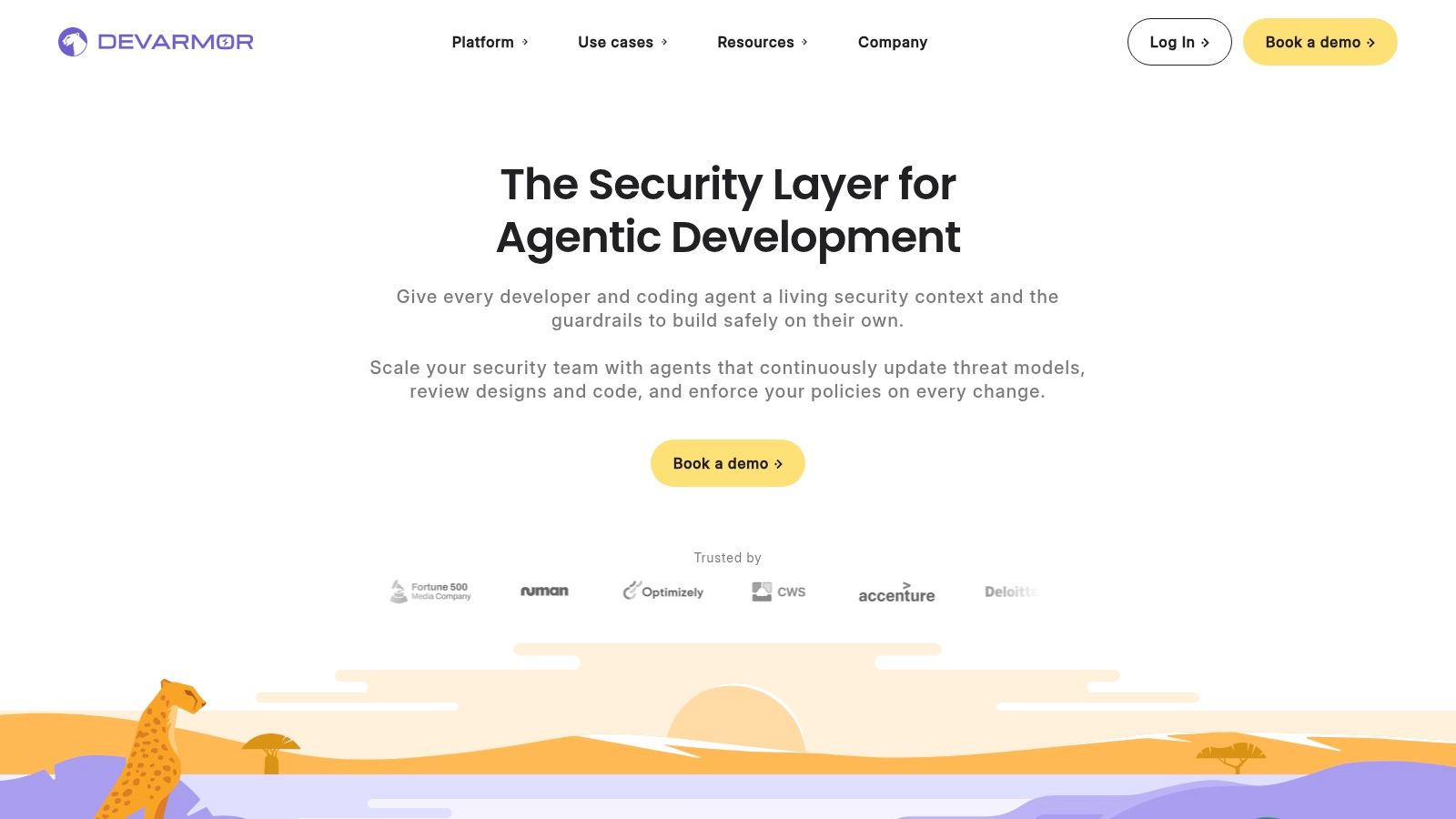
Category: Continuous security context. DevArmor is the publisher's product. Its platform generates and updates threat models using tickets, design documents, repositories, and service metadata. The model stays connected to engineering work as the system changes, rather than living only in a diagram or review document.
Security context can appear in Jira, Google Docs, GitHub, VS Code, Cursor, and MCP-connected workflows. Policy-as-Code can assess pull requests, optionally block unsafe merges, and link review outcomes to approved designs and threat models. Implementation verification extends that traceability to code changes and deployments.
Where continuous modeling earns its overhead
Consider a payments service whose identity handling changes after an initial review. The practical test is whether DevArmor updates the relevant context, retains the original decision, and gives engineers useful guidance before a pull request is merged. A generated threat model alone does not prove that the design decision reached the implementation.
- Strengths: Ongoing model updates, reviews inside engineering workflows, and traceable policy enforcement address separate parts of model maintenance.
- AI-assisted development: Guardrails and prompting context can carry approved security decisions into coding workflows.
- Incomplete documentation: DevArmor can derive context from source code and generate architecture and review records to support audit preparation.
- Commercial constraints: Pricing varies with usage and features; buyers need a custom quote.
This approach requires broader access and configuration than a standalone diagram editor. During evaluation, check repository permissions, integration coverage, ownership of exceptions, and how the platform handles conflicts between automated interpretation and an architect's decision.
DevArmor says it is pursuing SOC 2 certification. Buyers who require an already-certified supplier should confirm its current status. Choose continuous modeling when model drift and accountability for implementation are the problems to solve. A need to draw diagrams faster, by itself, may not justify the added integrations and operational setup.
2. IriusRisk
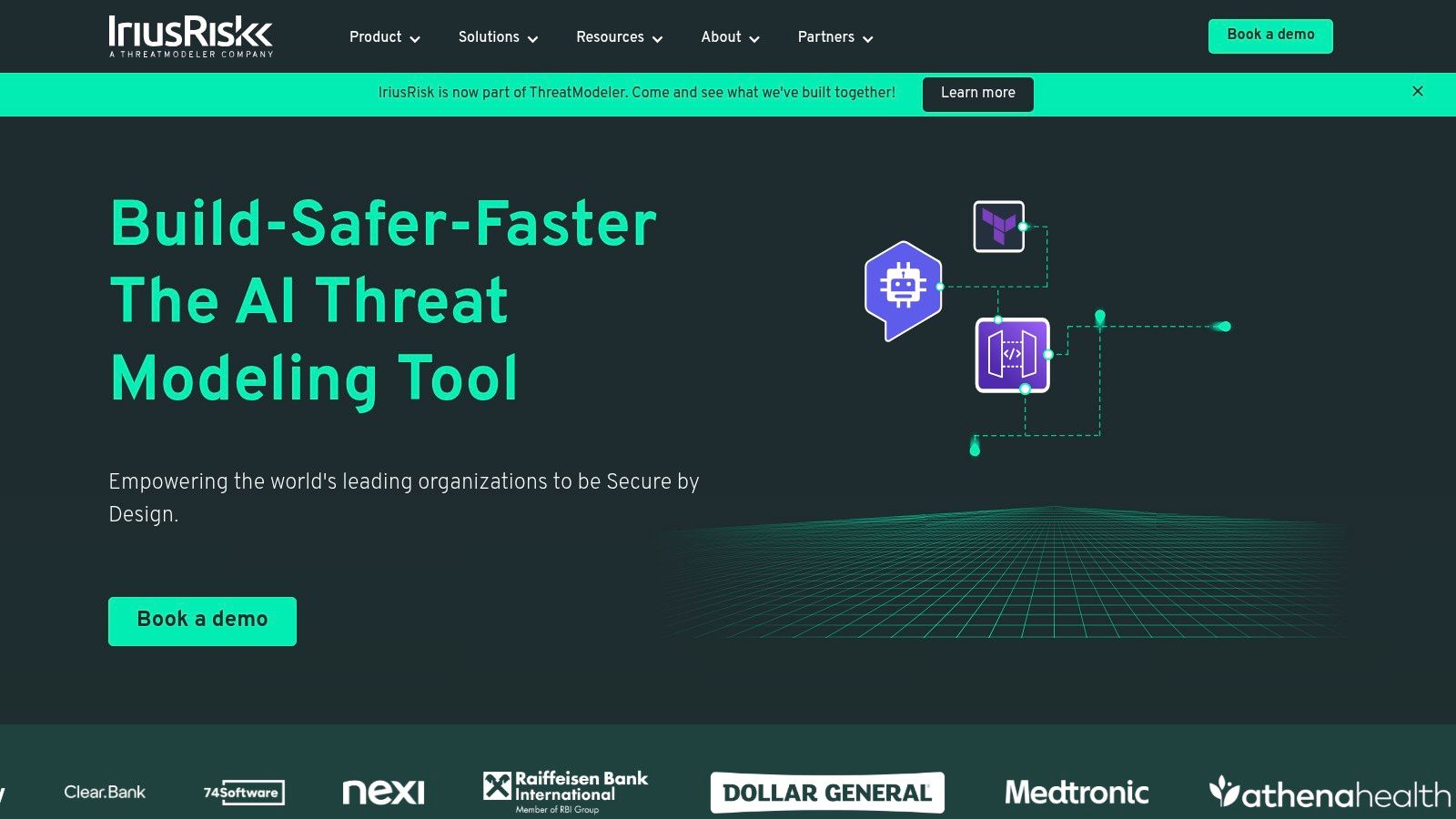
When review practices vary across an application portfolio, a shared modeling system can give security teams a way to set consistent expectations. IriusRisk fits enterprise modeling, with reusable components, threat and countermeasure libraries, and connections to development workflows.
IriusRisk offers a Community Edition and paid Enterprise plans, available as SaaS or on premises. Templates and shared libraries let teams encode repeatable review requirements instead of starting each model from a blank canvas. The models live in the platform, so teams should assess how well its libraries fit their architecture and how much upkeep they can support.
Standardization requires an owner
The payoff is consistency across reviews. Security teams can define reusable architecture patterns, then check whether application teams selected relevant components and addressed the resulting countermeasures. Enterprise reporting and export options can support formal review processes.
- Good fit: Portfolio-wide modeling where dedicated staff can maintain libraries and review conventions.
- Trade-off: Shared content still needs architecture-specific interpretation and regular maintenance.
- Buying constraint: Community collaboration is limited, and Enterprise pricing requires a quote.
During evaluation, change a shared component and ask how IriusRisk handles affected models, findings, and decisions. Confirm whether reviewers can trace changes and preserve the reasoning behind earlier decisions. Issue-tracker integration alone does not mean architecture stays synchronized automatically.
For a workflow-focused comparison, see this IriusRisk alternative comparison. The choice comes down to whether your team needs standardized model authoring or context maintained as delivery work changes.
3. ThreatModeler
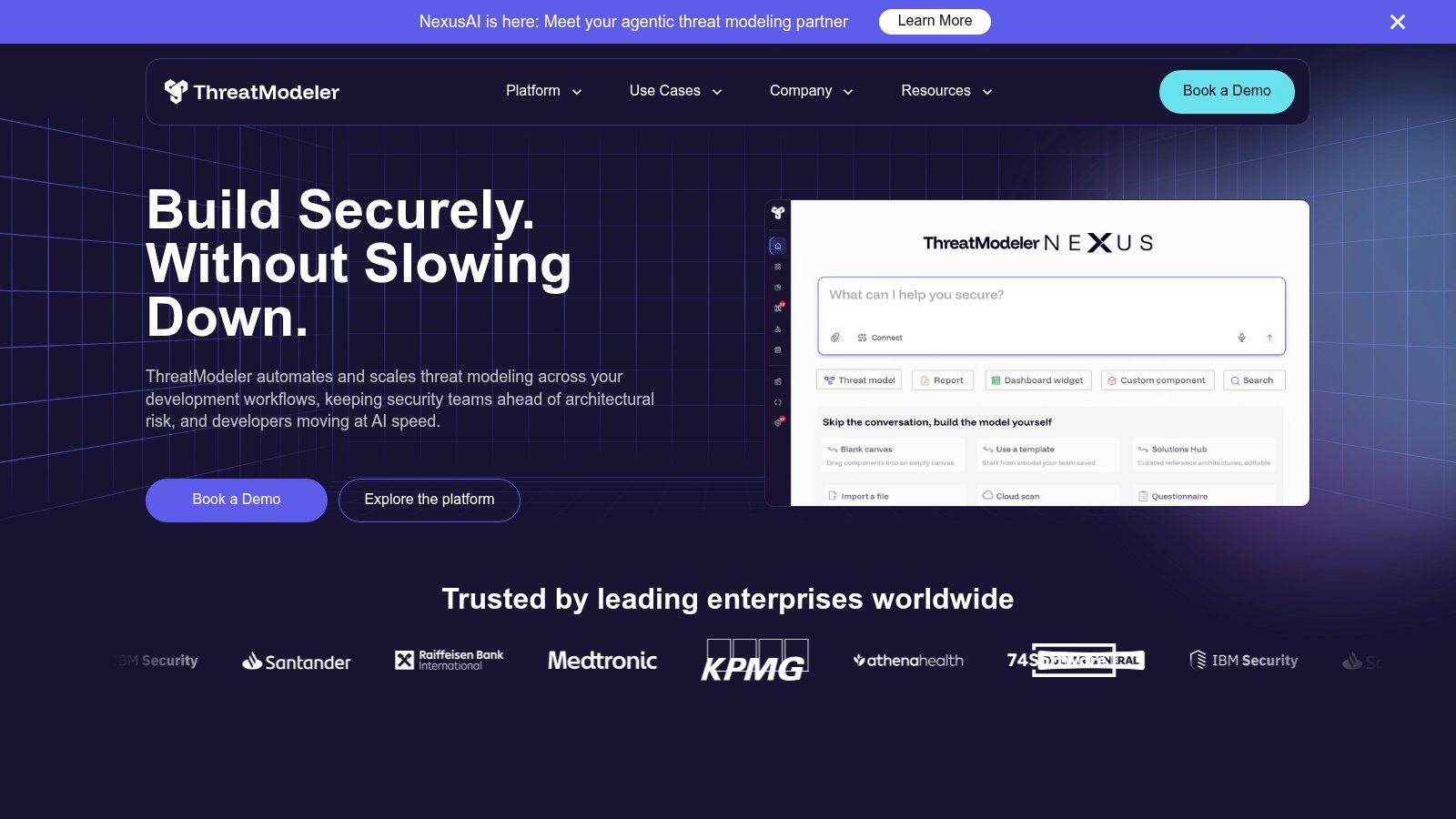
Start with a Terraform change rather than an application diagram when evaluating ThreatModeler. That exposes the question infrastructure-heavy teams need answered: can the platform translate their actual architecture inputs into useful security analysis?
ThreatModeler supports modeling from architecture diagrams and infrastructure files. Its integration surface includes Terraform, AWS CloudFormation, GitHub Actions, Jenkins, Jira, and cloud platforms, connecting modeling with delivery and ticketing workflows.
An infrastructure import is a starting point. Ask who supplies the business context, data sensitivity, and abuse cases that infrastructure files don't express.
Category: Enterprise application and infrastructure modeling. The appeal is coverage across cloud environments and applications, particularly when engineers already describe infrastructure in files. Routing findings into existing work queues also gives teams somewhere to assign remediation.
The rollout deserves scrutiny. Ask the vendor to demonstrate your specific infrastructure patterns, identity flows, and pipeline configuration rather than a prepared sample. Then change the input and inspect whether earlier review decisions remain understandable.
The main constraints are procurement and configuration. A self-serve free tier and public list price weren't established in the supplied material, so request commercial terms directly. Broad integration coverage is useful only when the connectors support the events, permissions, and review states your team needs.
4. Security Compass Devici and SD Elements
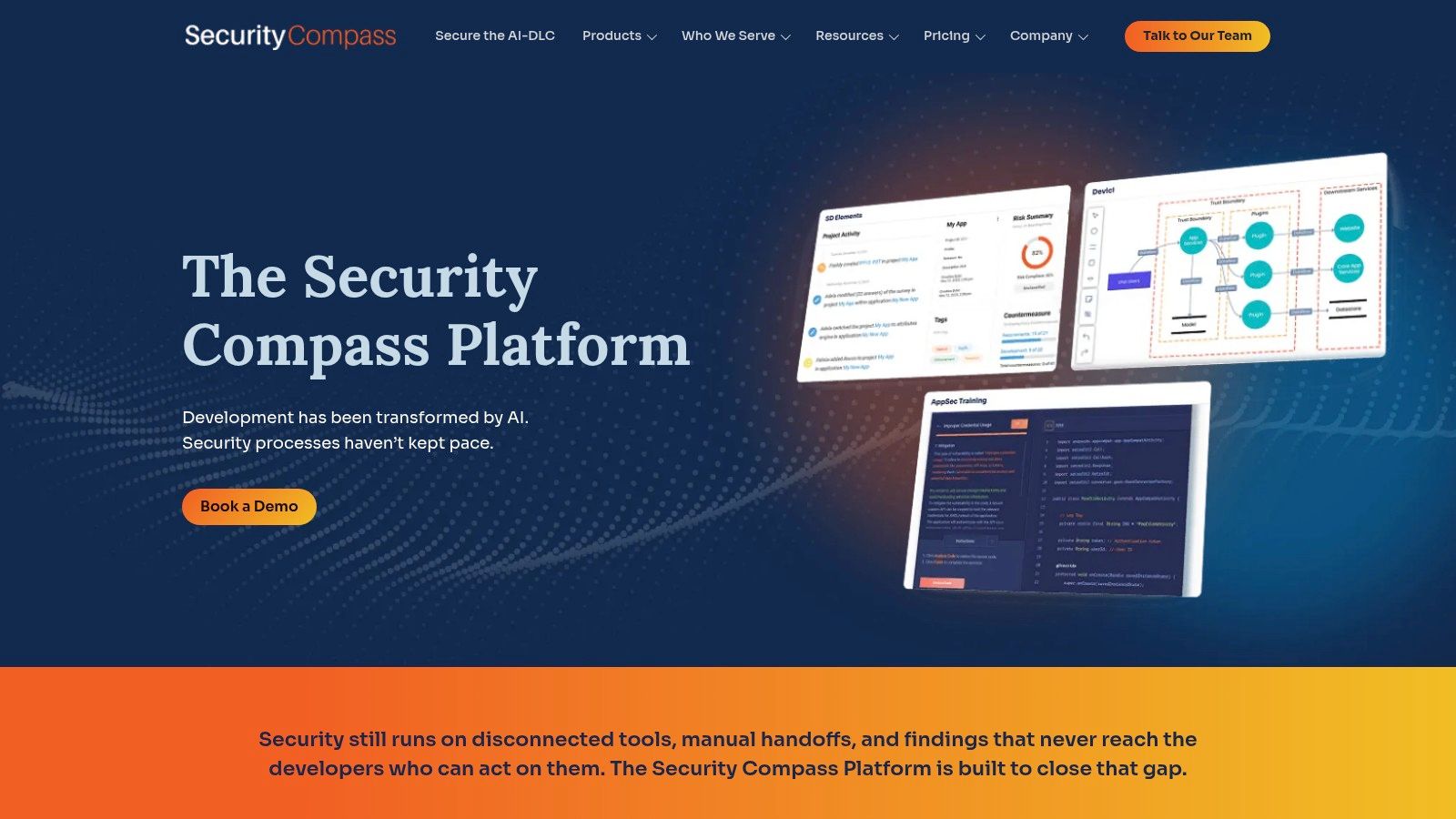
Identifying a threat and specifying the engineering work to address it are separate tasks. Devici and SD Elements connect those activities, making this an enterprise option for teams whose models need to produce architecture-specific requirements.
Within the Security Compass platform, Devici captures components, data flows, trust boundaries, and architecture decisions. SD Elements translates architecture and threat context into security and compliance requirements, with downstream connections to tools such as Jira and GitHub.
Follow a requirement through implementation
A useful demonstration should begin with a design choice, produce a relevant requirement, and show how the team tracks implementation and validation. Exporting a finding isn't enough if nobody can distinguish an accepted requirement from a completed control.
- Strength: Connects threat identification with requirements and developer tasks instead of stopping at a diagram.
- Governance value: Traceable workflows can help teams assemble evidence for design reviews and audits.
- Scope risk: Devici and SD Elements are distinct products, so confirm which capabilities, integrations, and licenses the proposal includes.
This is a reasonable fit when security staff already own a requirements program and want architecture to inform it. It may be excessive for a team that only needs collaborative diagramming and a short mitigation record.
Public pricing isn't readily available in the supplied material. Include configuration, content maintenance, and developer workflow adoption in the evaluation, not just the modeling interface.
5. Microsoft Threat Modeling Tool
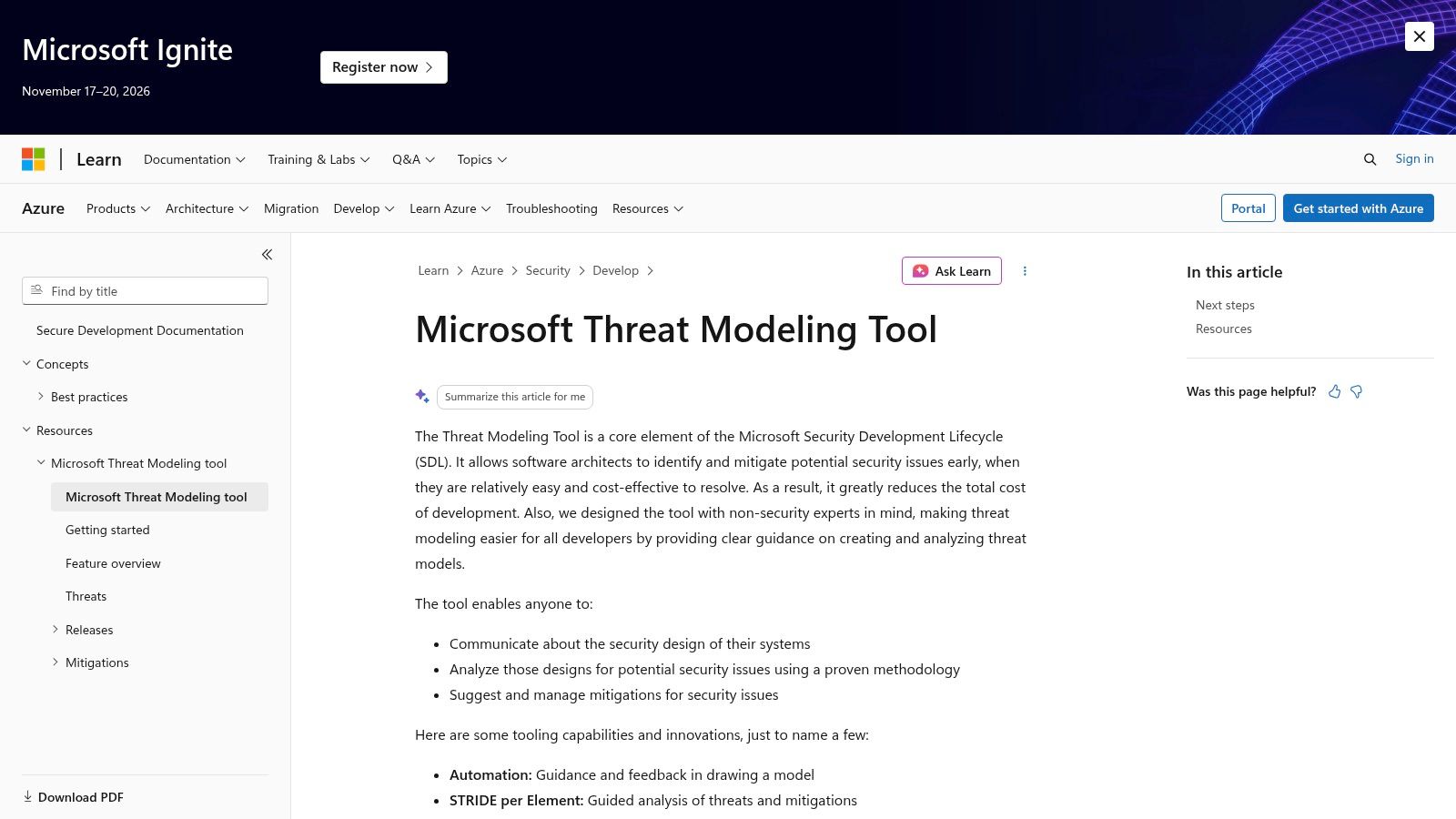
Microsoft Threat Modeling Tool suits teams that can keep a Windows-based model current and review architecture deliberately. It has no license cost, but its diagram-file workflow shifts the work of collaboration, versioning, and review history to the team.
The Microsoft Threat Modeling Tool documentation describes visual system modeling, guided STRIDE-per-element analysis, and mitigation management. This places it among tools whose models live in diagram files, with Microsoft's Security Development Lifecycle materials available as a reference.
Separate method from maintenance
Guided analysis gives reviewers a repeatable way to examine system elements and data flows. It cannot determine whether authorization assumptions match the implementation or whether a proposed mitigation fits the deployment.
- Advantages: No license cost, visual modeling, and a structured approach to threat identification.
- Limitations: Windows availability can restrict participation. Teams must arrange collaboration, version control, and review evidence themselves.
- Operational requirement: Name an owner to update the model when architecture changes, rather than relying on scheduled review meetings alone.
The guide to threat modeling frameworks helps separate the choice of method from the choice of tool.
For a stable service, a maintained desktop model can be more practical than automation without a clear owner. If architecture changes frequently, test how updates, reviews, and evidence will be maintained, not just how threats are generated.
6. OWASP Threat Dragon
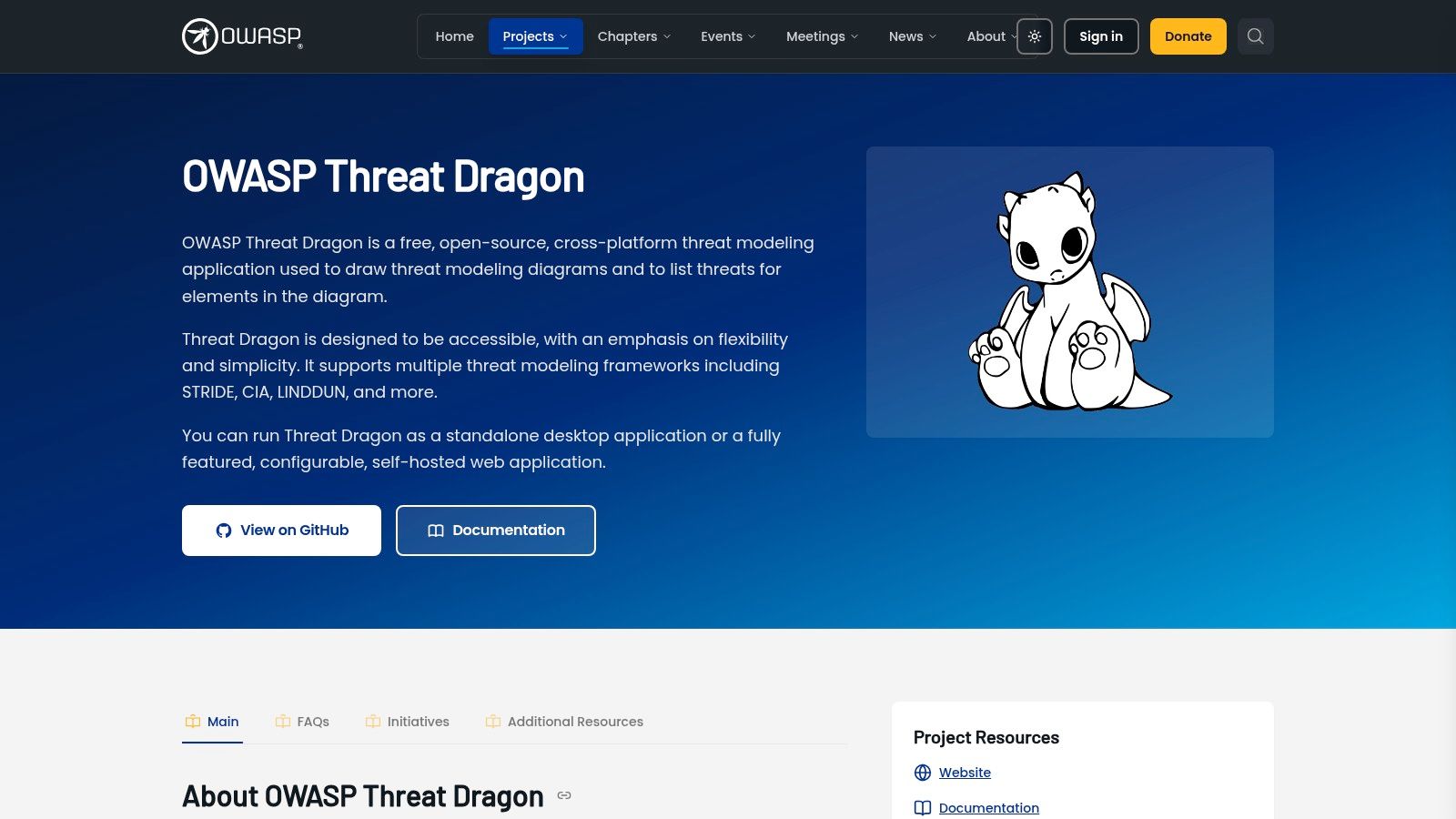
A team that wants visual modeling without commercial licensing should consider OWASP Threat Dragon. Its web and desktop options make it a different starting point from a Windows-only application, while keeping diagrams central to the workflow.
OWASP Threat Dragon combines data-flow diagram editing with threat and mitigation records. It supports STRIDE, LINDDUN, CIA, DIE, and PLOT4ai, includes rule-based generation, and can produce PDF reports.
Practical rule: Treat generated threats as review prompts, not evidence that the architecture is secure.
The strength is an approachable visual artifact that engineers and security reviewers can discuss together. A team can record why a threat applies, what mitigation it selected, and what assumptions require confirmation.
The limits matter when replacing another tool. Model formats aren't universally interchangeable, so test an actual migration rather than assuming diagrams and review history will transfer cleanly. Teams that need pull-request enforcement or repository-driven updates should also budget for complementary automation.
Threat Dragon is a good candidate when the desired output is a maintained model and a shareable report. Before adopting it broadly, decide where model files live, who approves changes, and how remediation reaches the engineering backlog. Otherwise, the no-cost tool can still produce an expensive maintenance gap.
7. OWASP pytm
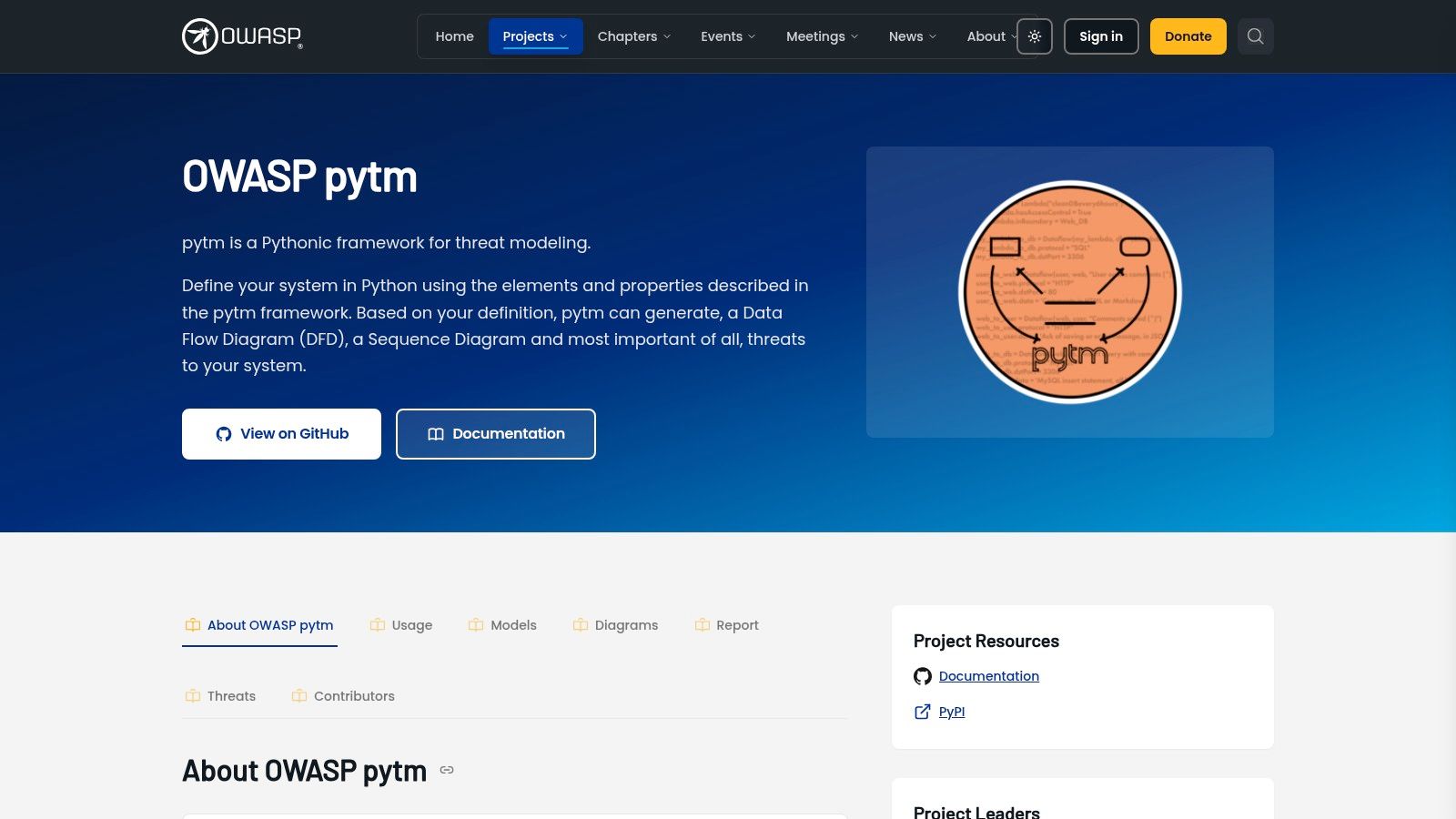
Keep the model in code when engineers can maintain it alongside the system. OWASP pytm defines system components and properties in Python, putting the model in a repository rather than a visual-authoring tool. That suits teams whose architecture changes are already reviewed through code.
The OWASP pytm project generates data-flow and sequence diagrams, threat findings, and reports from the model. These outputs can run in version-controlled development or CI workflows, but the team must configure dependencies and automation.
Repository proximity isn't automatic synchronization
Storing a model near application code makes edits visible in source control. It does not ensure that developers update model properties when they change an authorization path or another architectural detail.
- Strength: Model edits can use familiar commits and pull-request reviews.
- Cost: Contributors need Python skills, and someone must maintain diagram-generation dependencies.
- Quality constraint: Findings reflect the system description engineers provide. Incomplete or inaccurate attributes can weaken the analysis.
Test ownership, not just output. Ask a service maintainer to update the model after a realistic design change. If only a security specialist can interpret the Python, the workflow has not become part of the development team's routine.
A practical threat modeling example can help reviewers identify what the representation needs to capture. Choose pytm when repository-based ownership and programmable outputs outweigh the convenience of drag-and-drop editing. Make updating the model part of completing a design change, or its proximity to the code will offer little protection against drift.
8. Threagile
Threagile offers a declarative alternative to Python-based modeling. Engineers describe architecture and assets in YAML, then run risk rules and generate review artifacts from that maintained input.
The Threagile toolkit supports built-in and custom risk rules, data-flow diagrams, PDF reports, and machine-readable outputs. Command-line, Docker, and REST-server execution make it relevant to teams that want modeling inside existing engineering automation.
Own the input, then automate the analysis
Its strongest fit is a team comfortable reviewing structured configuration and maintaining explicit architecture descriptions. Custom rules can encode local expectations, but someone must own both the rules and the model attributes they depend on.
- Useful trade-off: YAML provides a declarative model without requiring reviewers to author Python.
- Interface limitation: The project describes graphical-interface work as ongoing, so don't assume a polished visual editing workflow.
- Maintenance obligation: Engineers still create and update the model; generated diagrams aren't automatic discovery of the complete system.
Independent guidance on evaluating threat-modeling tooling emphasizes the importance of input quality and valid, justifiable outputs. That's particularly relevant when a successful pipeline run can look like security assurance.
Test a custom rule against both an applicable design and a deliberately irrelevant one. The goal is explainable analysis that reviewers trust, not merely a report generated on every build.
9. CAIRIS
Some security decisions depend as much on user behavior and operating context as on data flows. CAIRIS fits early design work where requirements, usability, architecture, and risk need to remain connected.
CAIRIS is an open-source platform for secure and usable systems design. It supports different environments and contexts of use, generates diagrams and design documentation, and offers API-based integration.
A broader model is useful only when the team will maintain the additional context.
Within the open-source modeling group, CAIRIS is the broader design-context option rather than a focused diagram editor. For a health application, for example, reviewers could use that broader approach to examine how requirements, user tasks, and security assumptions interact. That's an evaluation scenario, not a reported customer outcome.
The trade-off is modeling effort. Teams looking only for a data-flow diagram and mitigation list may find the broader scope unnecessary. Teams already maintaining requirements and usability artifacts should instead evaluate whether connected views reduce duplication.
The desktop application is deprecated, and the project recommends the web client. Validate setup, current documentation, contributor workflow, and integration needs before an organization-wide rollout. CAIRIS makes the most sense when design context is part of the security problem, not when the team wants faster threat-list generation alone.
10. OWASP Cornucopia
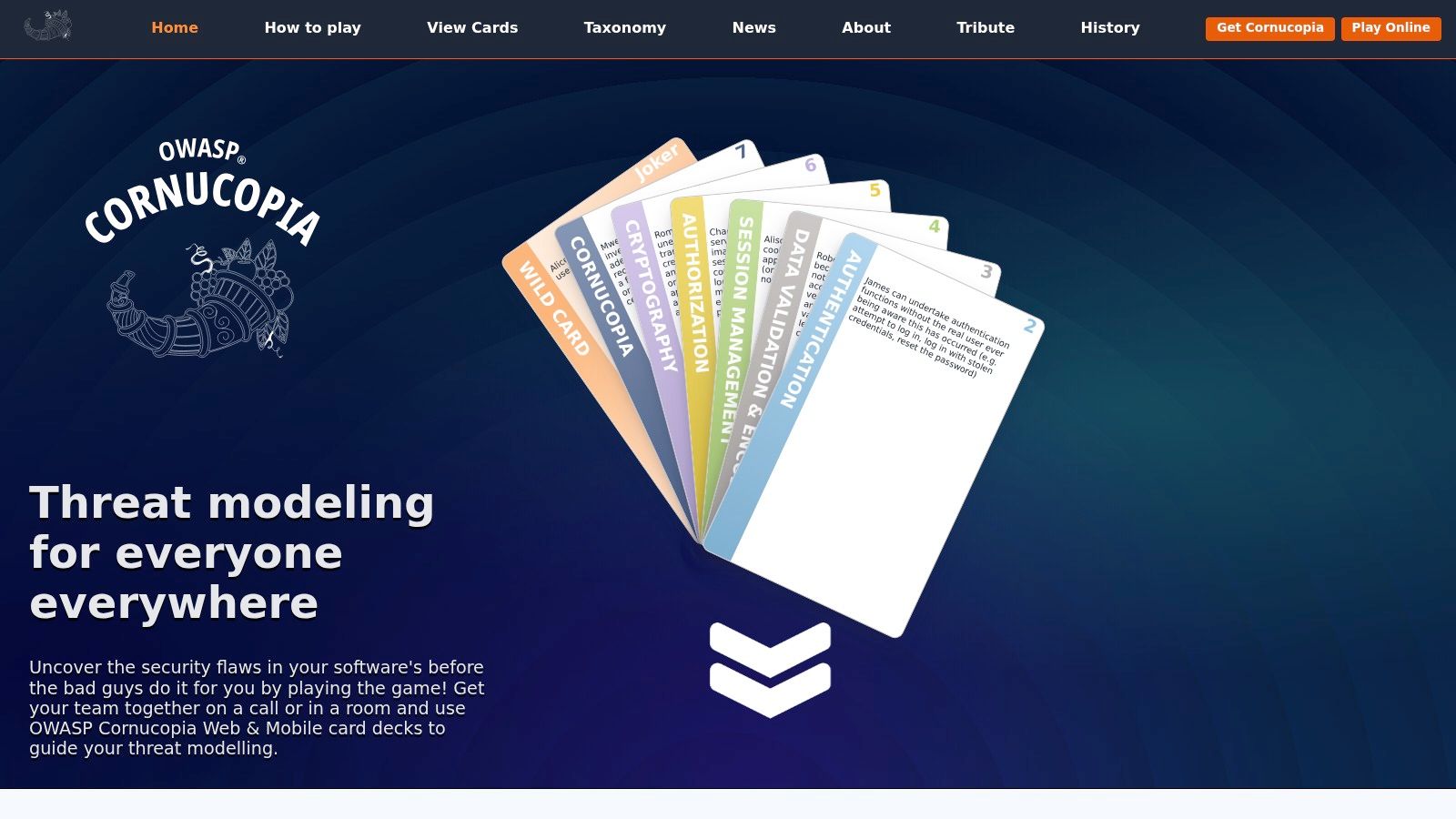
Cornucopia is a workshop method, not a model repository. That distinction is its value: it gives developers, architects, testers, and business stakeholders a structured way to discuss application security requirements together.
OWASP Cornucopia uses a card-game format to prompt threat discussions and help teams produce security requirements and user stories. Printable resources and online play provide different ways to run the exercise.
Capture the decision, not just the conversation
A facilitator should keep discussion grounded in the actual service. When participants identify an abuse case, record the affected component, the proposed control, its owner, and any assumption that needs validation.
- Strength: Group discussion can surface business and operational knowledge that a tool-driven checklist misses.
- Limitation: Cornucopia doesn't enforce code-level policies or synchronize a model with repository changes.
- Follow-through: Someone must document decisions and track the resulting work after the workshop.
It can complement any other category. A team might use Cornucopia to discover misuse cases, then maintain the resulting model in Threat Dragon or turn decisions into requirements in an enterprise platform.
The main adoption risk is treating participation as completion. A productive session still needs durable records and accountable follow-up. Choose Cornucopia when the immediate obstacle is getting the right people to examine threats together, rather than generating or continuously updating architecture artifacts.
How the 10 threat modeling tools compare on pricing, free access, deployment, and best-fit team
| Item | Pricing Signal | Free Option | Deployment | Best For |
|---|---|---|---|---|
| DevArmor | Usage- and feature-based; quote required | Not stated | Connects with engineering tools; deployment model not stated | Teams seeking continuous threat modeling and security guardrails across development |
| IriusRisk | Enterprise pricing by quote | Community Edition with limits | SaaS or on-premises | Teams needing structured models and formal governance |
| ThreatModeler | Public pricing not verified | Free tier not verified | Deployment details not stated | Enterprises modeling applications, cloud, and infrastructure |
| Security Compass Devici and SD Elements | Public pricing not readily available | Not stated | Deployment details not stated | Teams linking threat models to security requirements and developer tasks |
| Microsoft Threat Modeling Tool | Free | Yes | Windows desktop application | Teams seeking guided, diagram-based STRIDE analysis |
| OWASP Threat Dragon | Free and open source | Yes | Web or desktop application | Teams wanting visual threat modeling and documentation |
| OWASP pytm | Free and open source | Yes | Python framework; supports development workflows | Teams preferring code-based, version-controlled models |
| Threagile | Free and open source | Yes | Command line, Docker, or REST server | Teams maintaining architecture-as-code and automated risk checks |
| CAIRIS | Free and open source | Yes | Web client; desktop application deprecated | Teams connecting security, requirements, usability, and architecture |
| OWASP Cornucopia | Free card-based resources | Yes | Printable cards or online play | Agile teams facilitating threat discussions and security story creation |
Match the Tool to How Your Design Actually Changes
Choose a threat modeling tool based on where the model lives and how often the design changes. A diagram-based process can work well for a stable system reviewed on a schedule. It needs an owner and clear update triggers. Without them, even a well-maintained diagram can become unreliable evidence for approving later changes.
Choose an operating model before a vendor
- Architecture-as-code: Choose pytm or Threagile if engineers already maintain infrastructure in version control and can own model updates. The model fits the workflow, but the team still needs to review findings and keep its code aligned with the architecture.
- Enterprise governance: Evaluate IriusRisk, ThreatModeler, or Devici with SD Elements when security teams need reusable content, portfolio oversight, and formal requirements workflows. These platforms support governance, though setup and ownership can take more coordination.
- Broader design context: Consider CAIRIS when requirements and usability shape security decisions, alongside architecture.
- Continuous modeling: Consider DevArmor when models fall out of date between reviews, design-review queues slow releases, or auditors need links between approved decisions and implementation. This approach can keep security context connected to tickets and pull requests, but adds a distinct platform and procurement decision.
AI-assisted development makes the distinction between a current model and a one-time review more pressing. In ISC2's AI adoption research, 45% of surveyed cybersecurity professionals identified threat modeling as an area likely to benefit quickly from AI assistance. That reflects expected potential, not proof that generated threat lists improve decisions.
For agentic systems, test prompt injection, data leakage, tool permissions, and unsafe autonomous actions. Check whether prompt or permission changes update the model, whether reviewers can challenge its reasoning, and whether exceptions have an owner and expiry. More documentation does not help if nobody is accountable for implementation.
Run a small, change-focused evaluation
Pick two tools from different categories and test each on one service for two weeks. Give both the same architecture inputs, then change an API, trust boundary, or identity flow. Track review time, and separate updates made by the tool from work completed manually.
Check for duplicate findings, complete mitigations, and reviewer agreement with the reasoning. Ask each tool to retain an earlier decision while identifying which assumptions the new design invalidates.
DevArmor's broader workflow also brings procurement considerations: pricing requires a quote, and the company says its SOC 2 certification is in progress. Confirm its current status and your supplier requirements before adoption. Choose the tool your team can keep accurate through a meaningful design change, rather than the one that produces the most impressive initial diagram.
Table of Contents
Subscribe